Download an invoice PDF
Download an invoice as a PDF to file it, print it or attach it to your own email. The PDF is available in every status, including Paid and Void.
- Open the invoice.
- Click Download PDF. Your browser saves the file under the invoice number, for example INV-2026-014.pdf.
Download an invoice PDF1 / 5
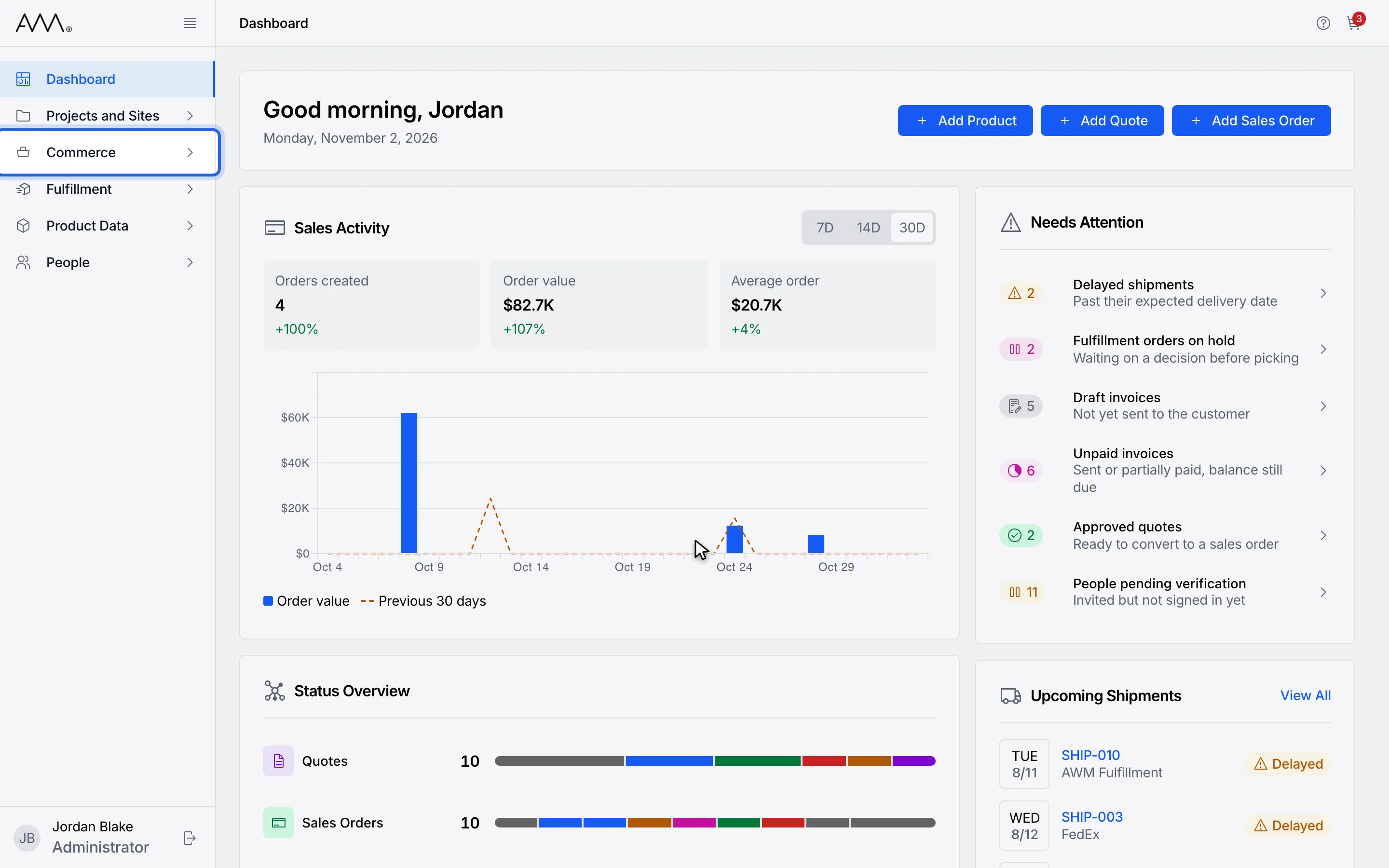
1In the sidebar, open Commerce.
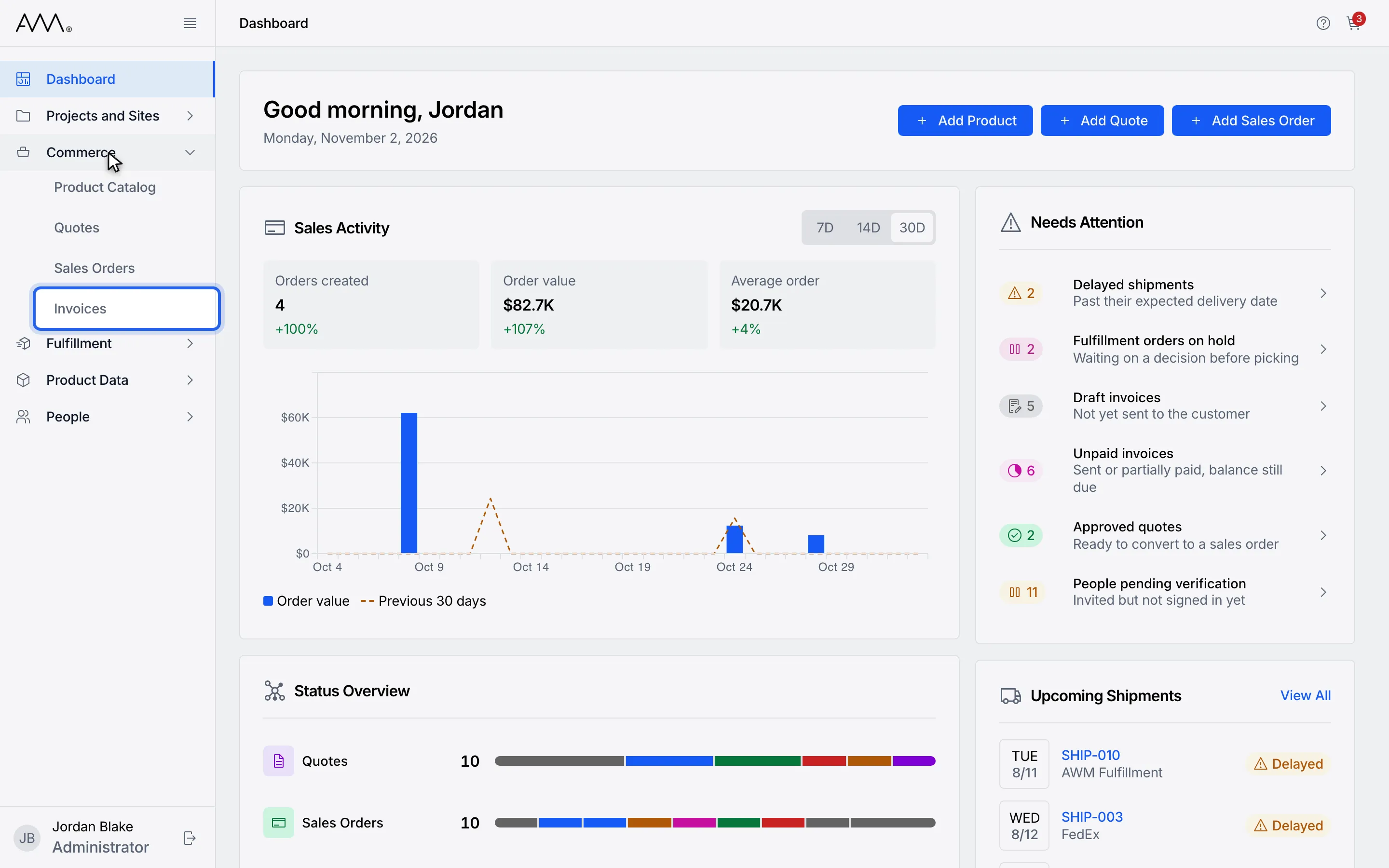
2Choose Invoices.
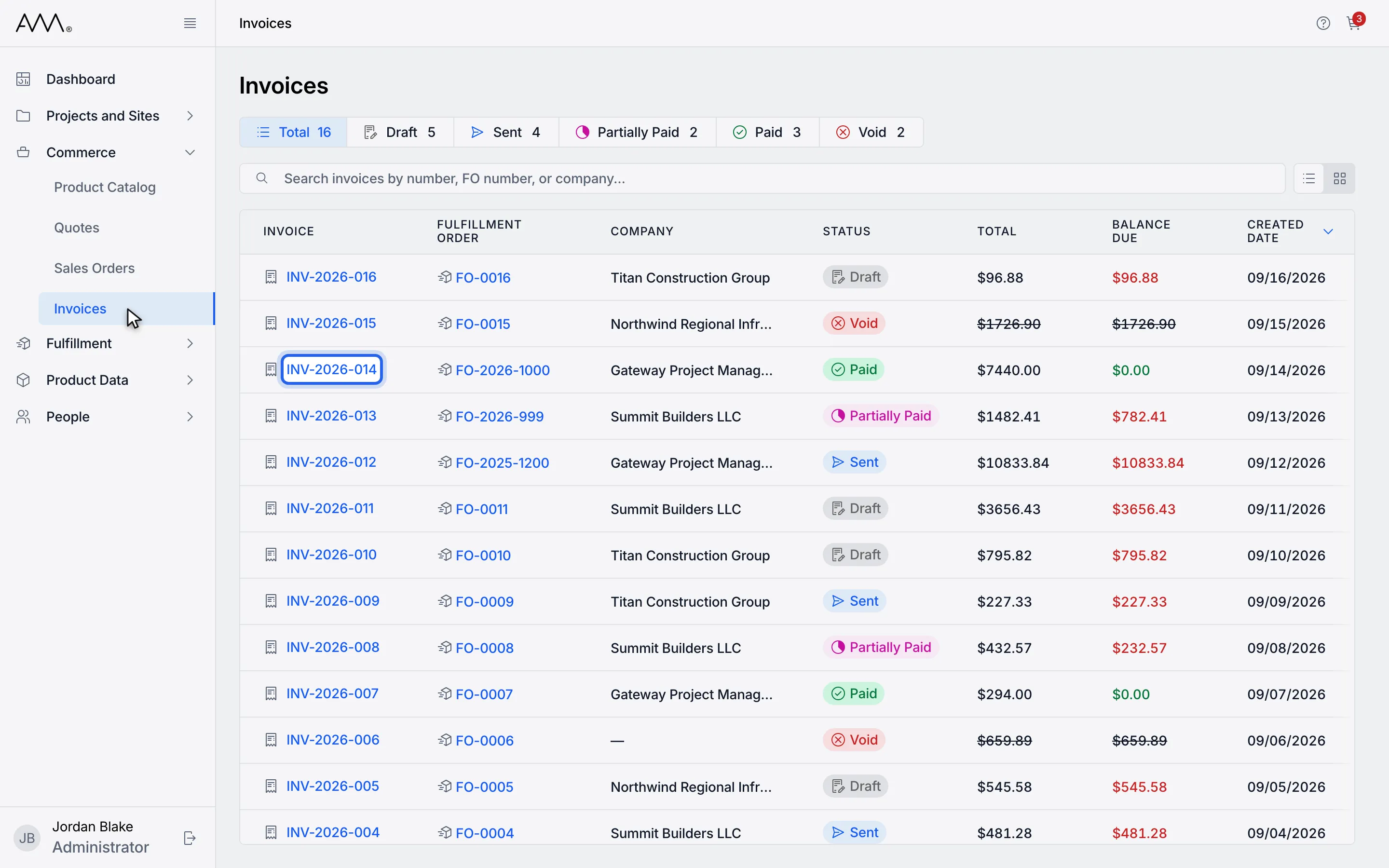
3Open the invoice. Download PDF is available in every status.
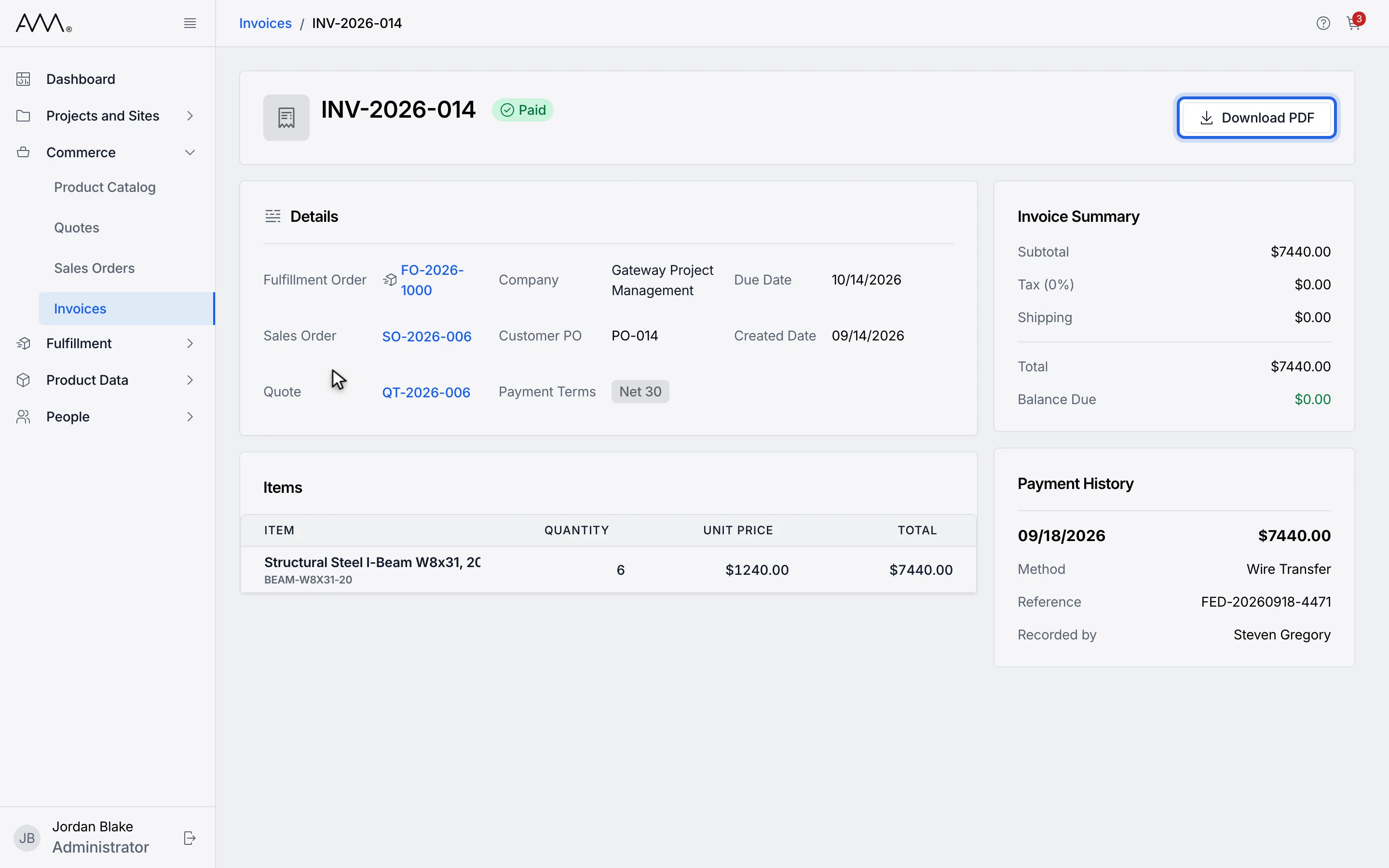
4Click Download PDF.
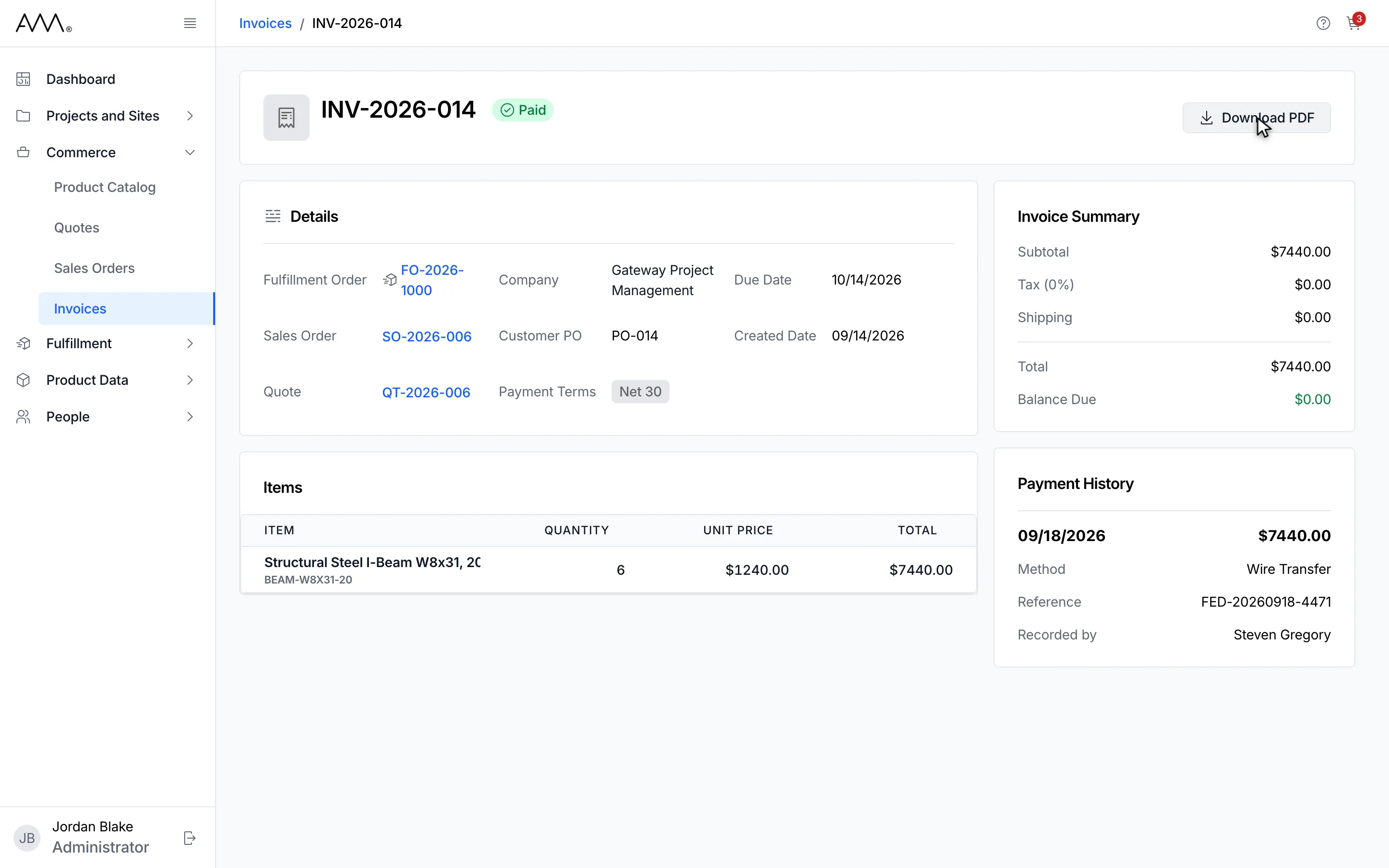
5The invoice page stays open while your browser saves the file.
Watch this as a video (download an invoice pdf)
What happens next
Section titled “What happens next”The invoice itself does not change. The button is busy while the file is prepared, and a second click during that time is ignored. On a phone, Download PDF sits in the Invoice actions menu and shows Downloading PDF… while it runs. If the file cannot be produced, a message reads Download failed. Please try again.
To email the invoice from Omni instead, see Send an invoice.