Convert a quote to a sales order
Converting turns an Approved quote into a new Sales Order with the same line items, pricing and customer information, and emails the customer the Order Confirmation with the sales order PDF. The quote becomes Converted and links to the order.
- Open the Approved quote. See Find a quote.
- Click Convert to Sales Order.
- Review the Convert To Sales Order dialog. It reads This will create a new sales order from quote (number). All line items, pricing, and customer information will be copied to the new sales order. and then The customer will be emailed the order confirmation with the sales order PDF. The New Sales Order card shows the Customer, Total and Items count.
- Confirm with Convert to Sales Order. The new sales order opens, already Sent, because the Order Confirmation has gone to the customer.
Convert a quote to a sales order1 / 8
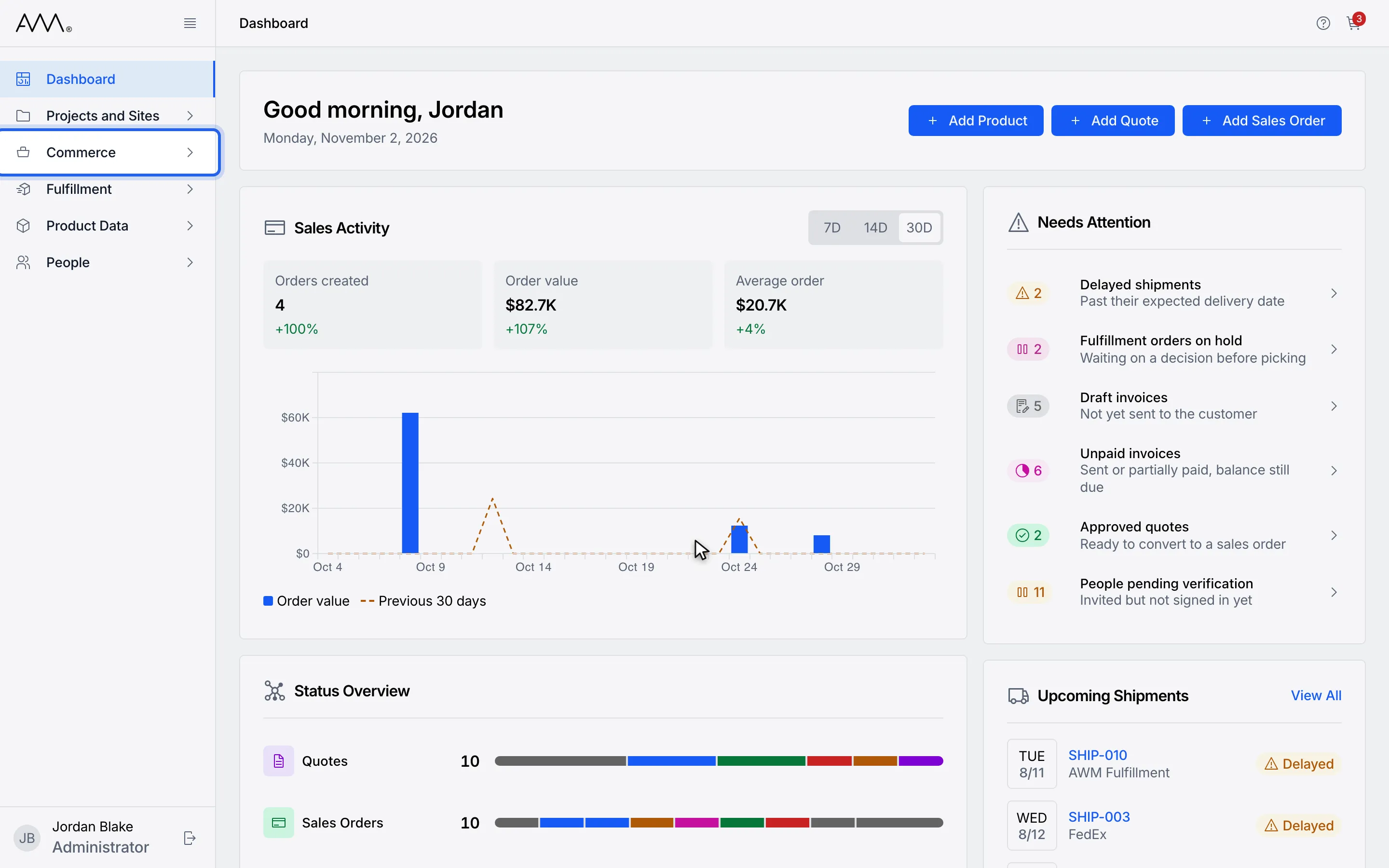
1In the sidebar, open Commerce.
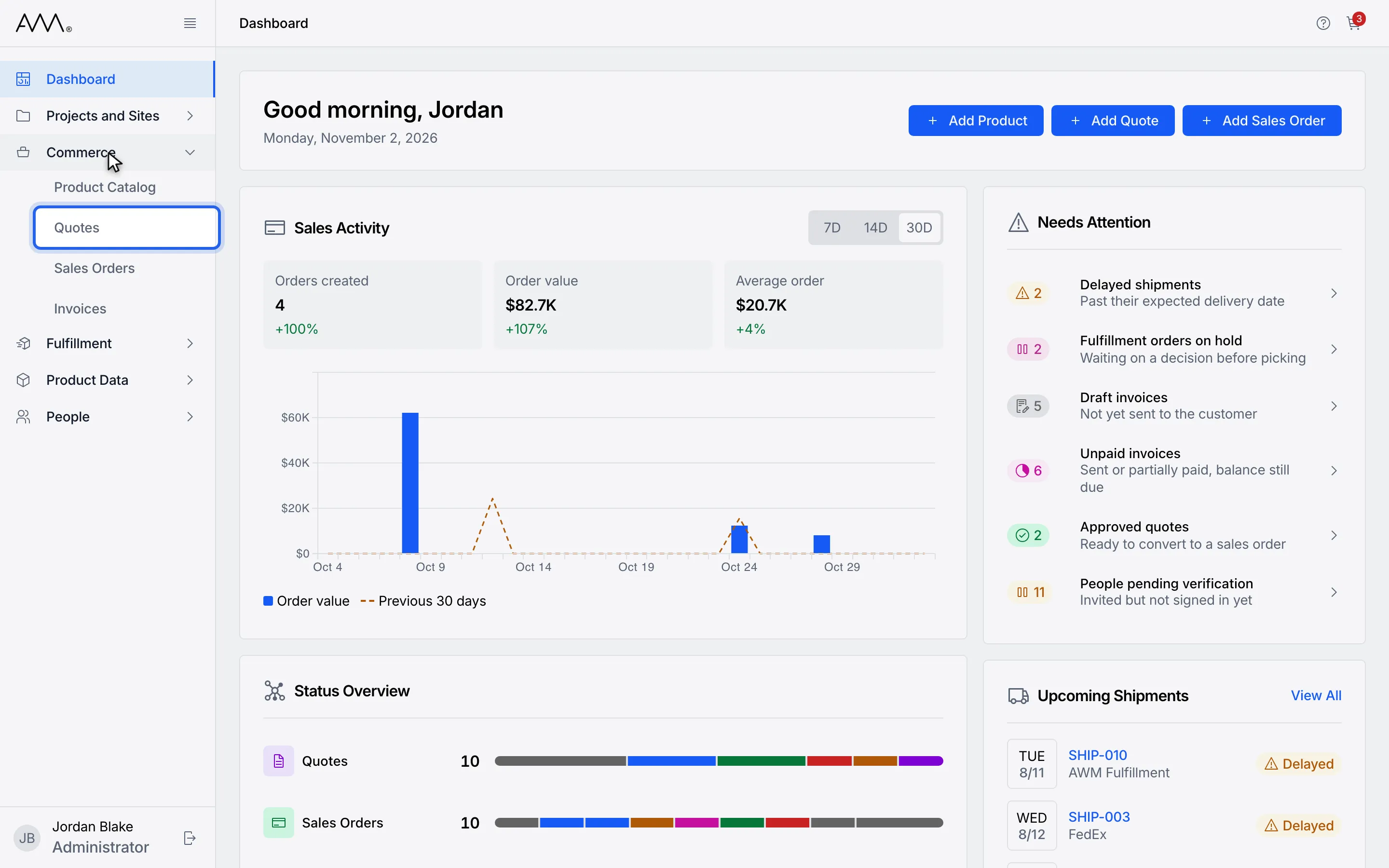
2Choose Quotes.
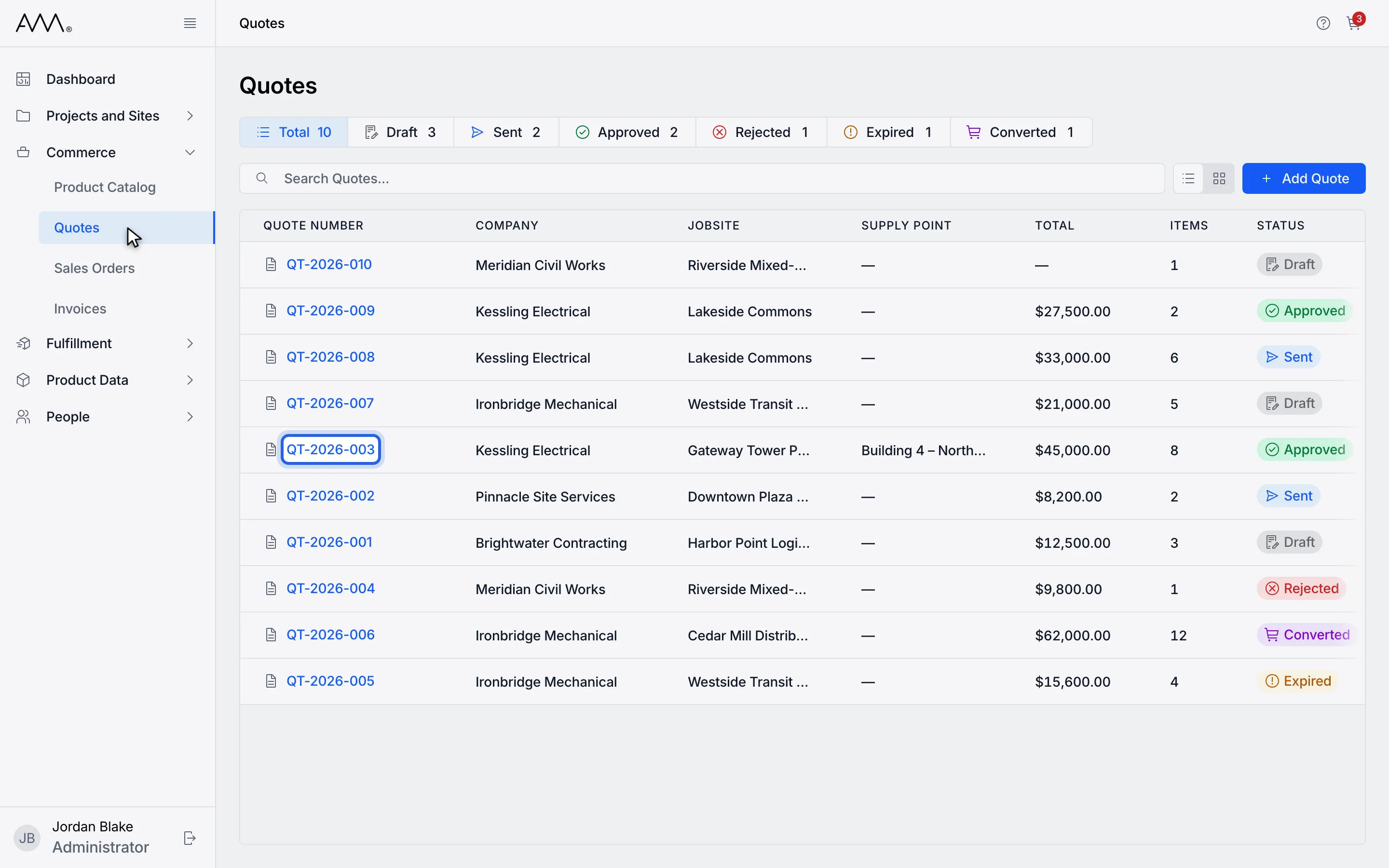
3Open an Approved quote.
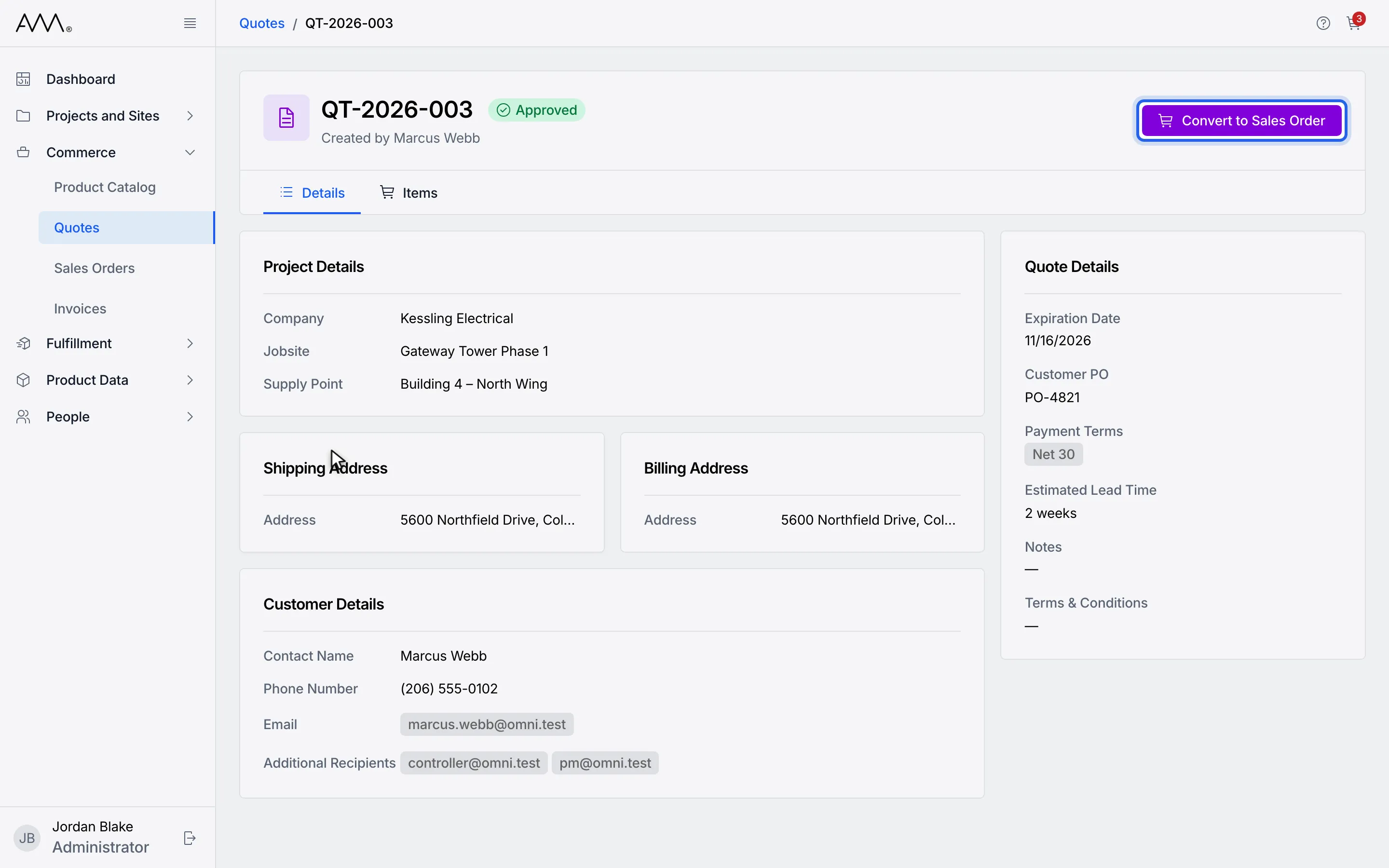
4Click Convert to Sales Order.
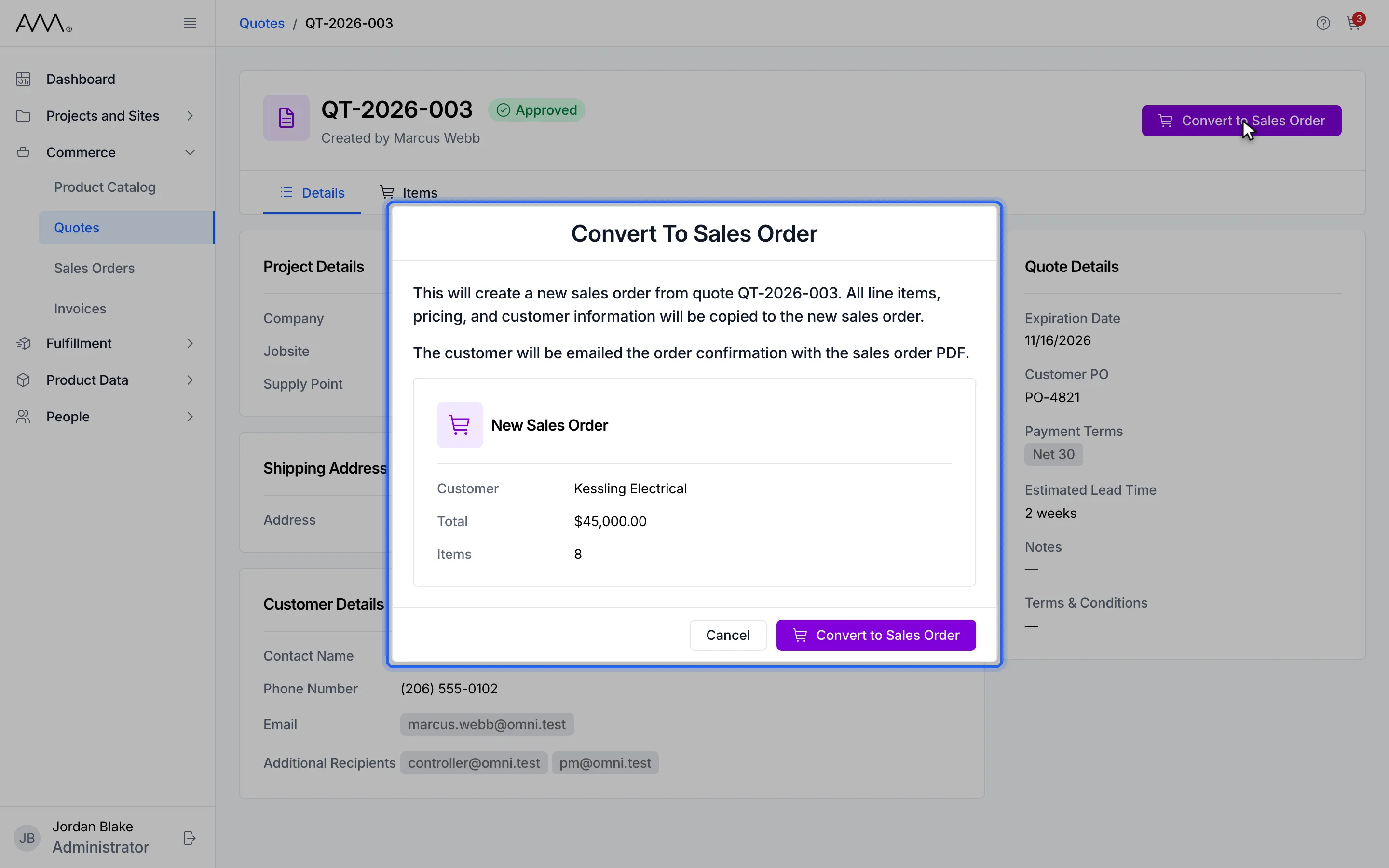
5The dialog lists the new order and says the customer gets the Order Confirmation.
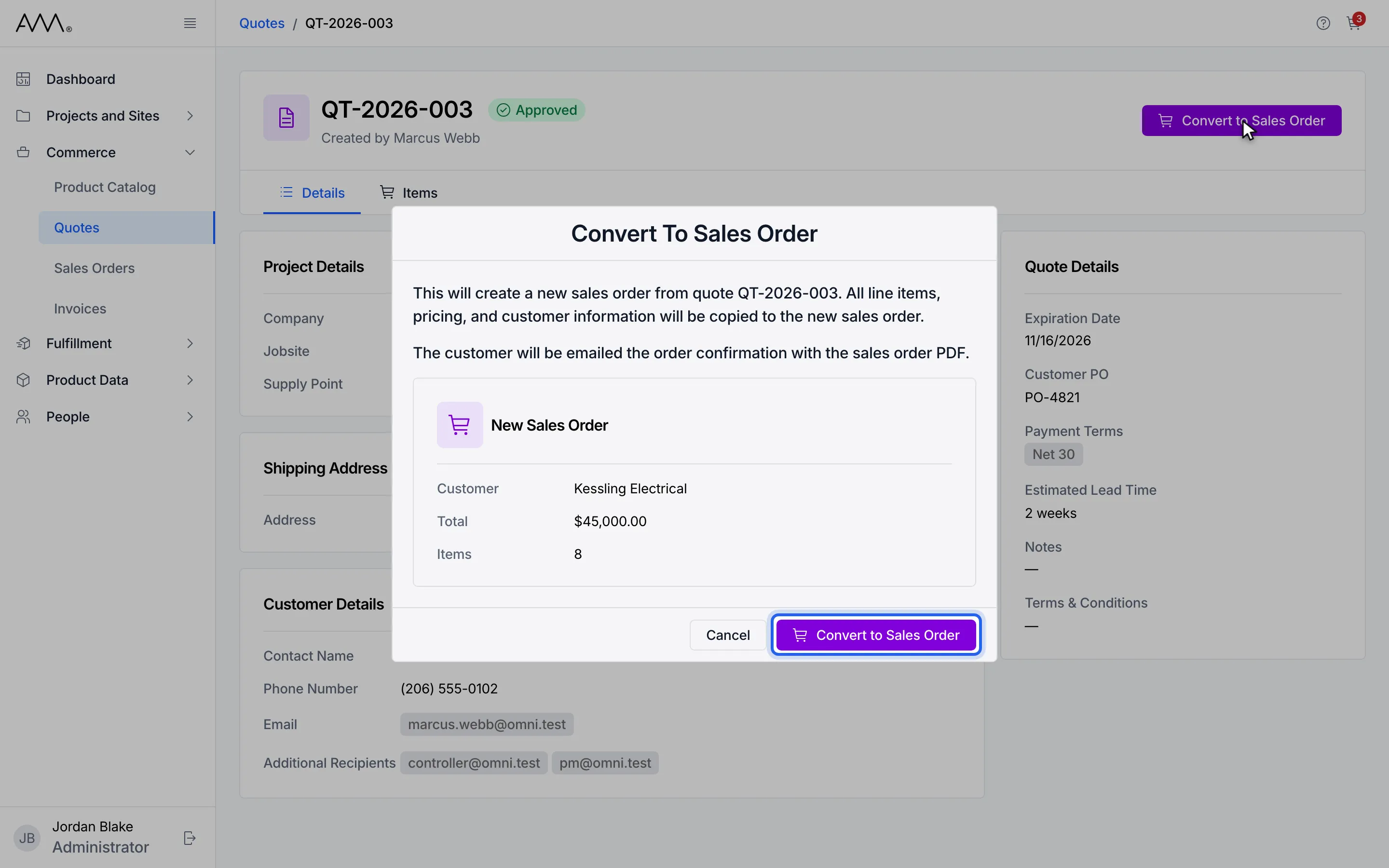
6Confirm with Convert to Sales Order.
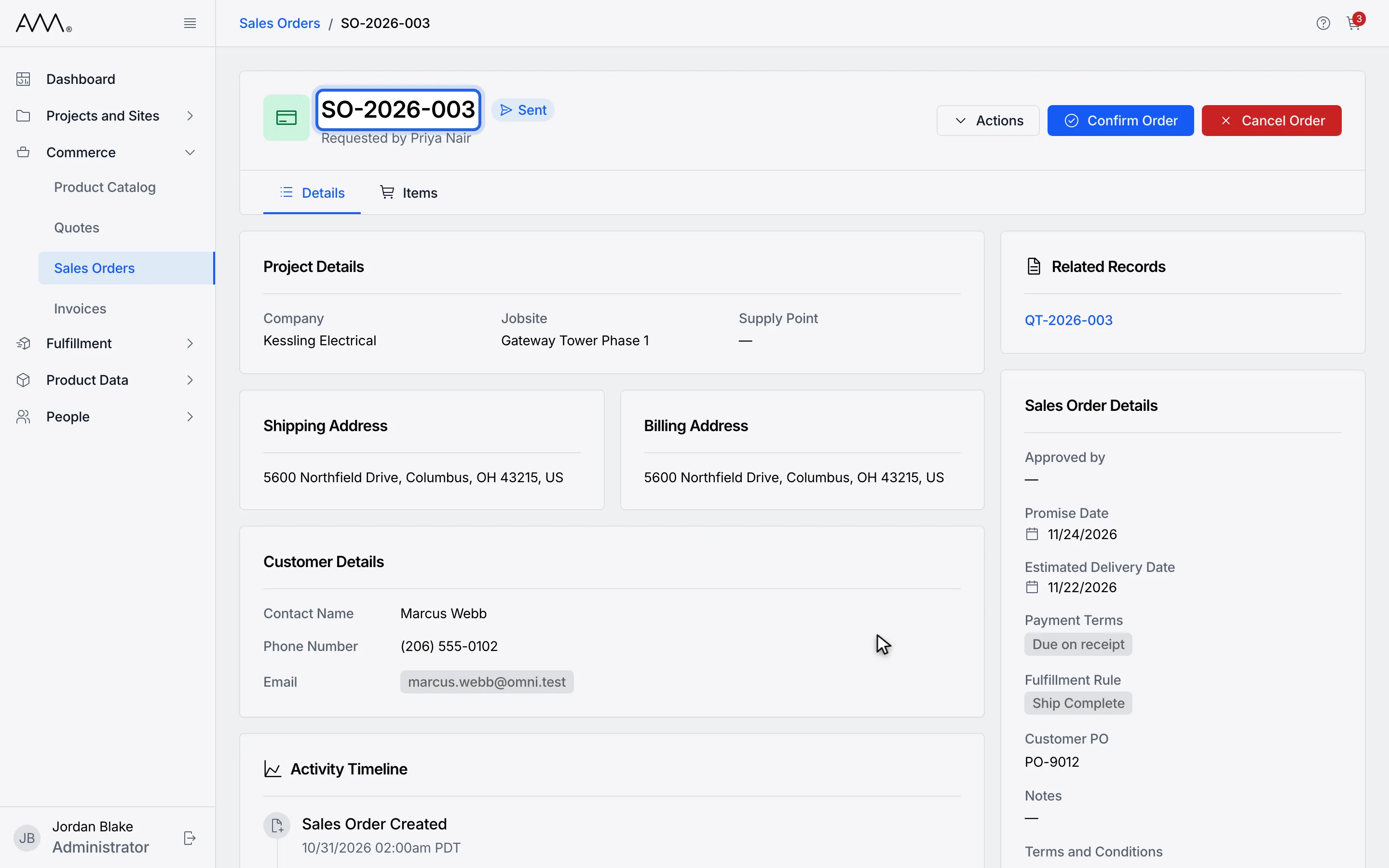
7The new sales order opens. It is already Sent: the customer was emailed.
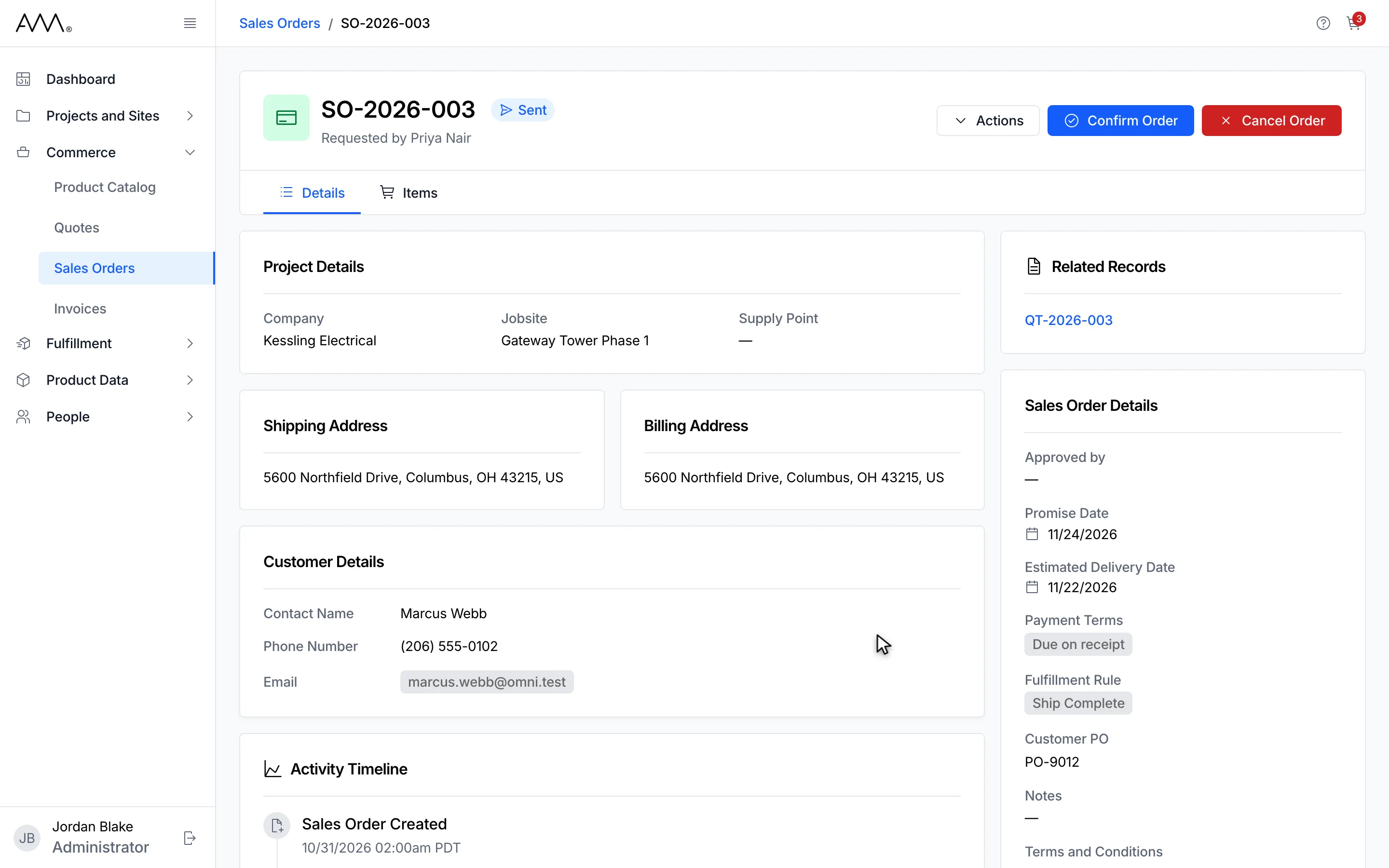
8The new sales order opens, already Sent, with a link back to the quote.
Watch this as a video (convert a quote to a sales order)
What happens next
Section titled “What happens next”- With Sales Orders: Read you land on the new Sales Order, which links back to the quote. Continue in Sales Orders.
- Without it you stay on the quote and see the toast Converted to sales order.
- The quote’s status is Converted and its header reads This quote has been converted to sales order followed by the order, which is a link when you can read sales orders. A Converted quote has no further actions.
- If the quote has no customer email, the dialog says This quote has no customer email, so no order confirmation will be sent. and the order is created without the email.
- If the order is created but the email cannot be sent, the toast reads Order created, email not sent. Send it from the order page. Open the order and send it from there.
If the conversion fails, the dialog stays open and shows the reason, for example Could not convert the quote. Please try again.