Send an invoice
Sending emails the invoice to the addresses you enter and moves a Draft invoice to Sent. You can send a Sent invoice again, for example to a second contact or as a reminder.
- Open the invoice.
- Click Send Invoice. On a Sent invoice the button is Send Again. The Send Invoice dialog opens, showing the invoice number.
- In Email, type each recipient address and press Enter (a comma or a space also works). Each address becomes a chip you can remove. You can add up to 20.
- In Notes, type anything the recipient should see. The field reads This note will appear on the invoice.
- Click Send Invoice. The button stays disabled until at least one valid address is entered.
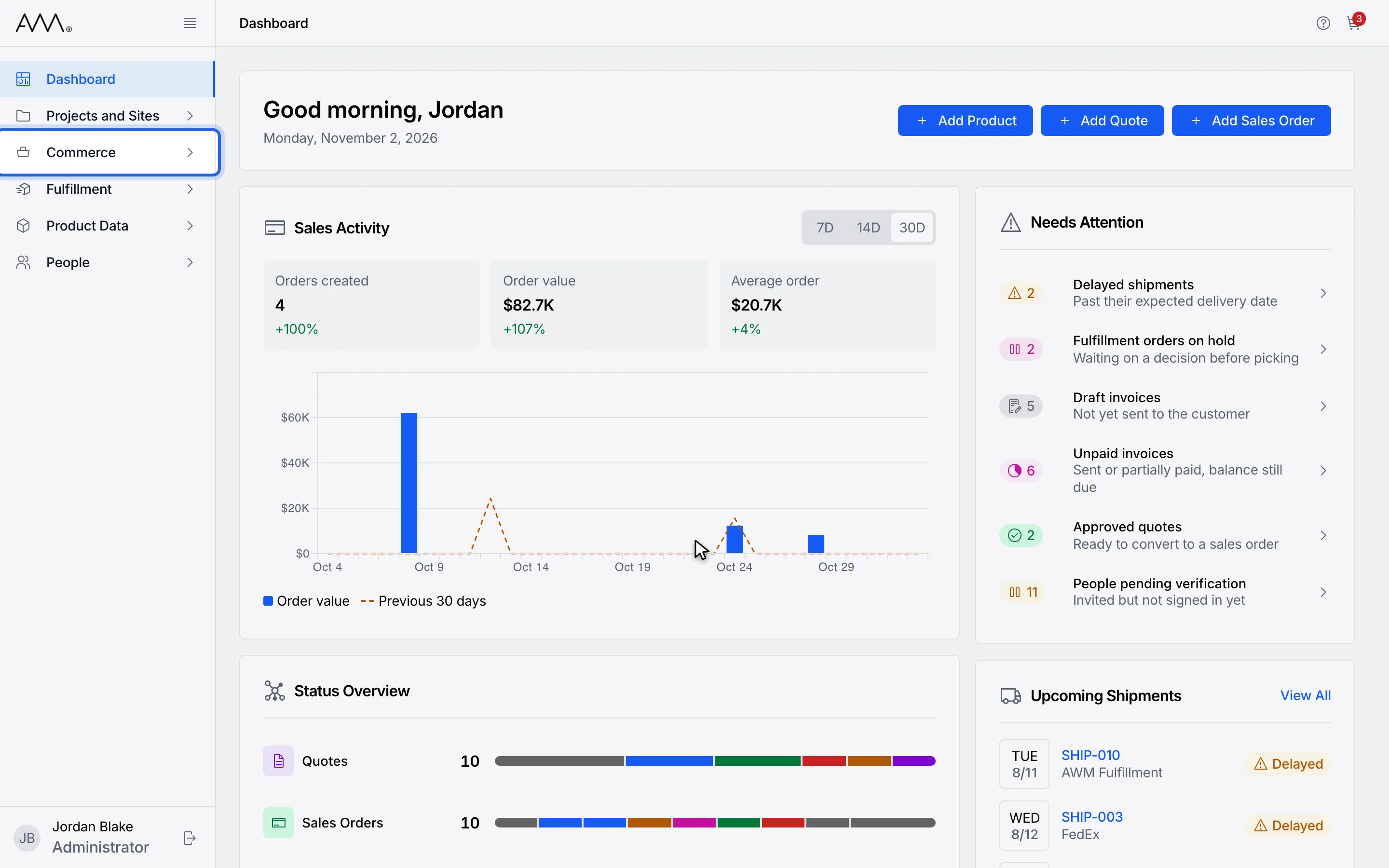
1In the sidebar, open Commerce.
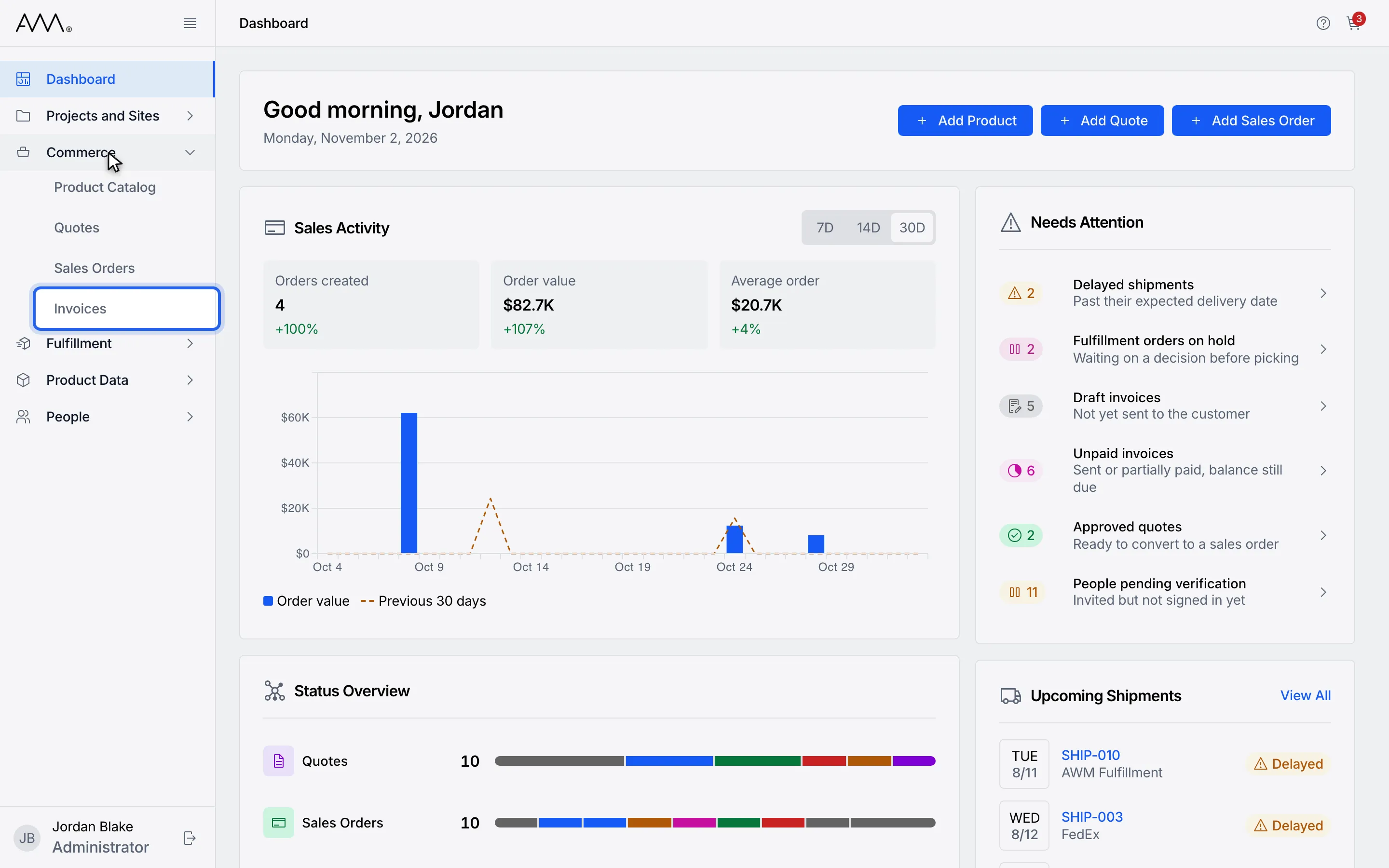
2Choose Invoices.
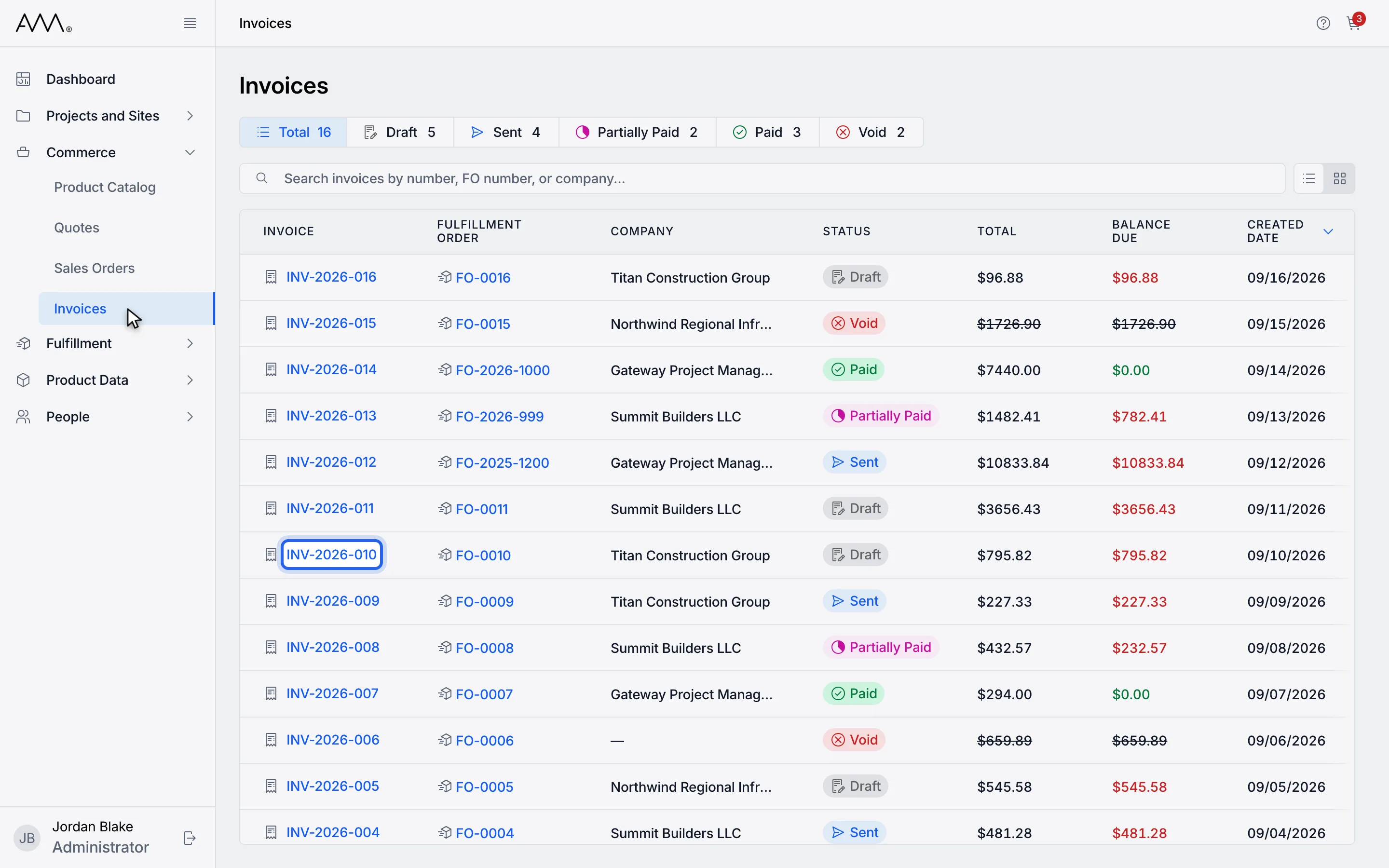
3Open a Draft invoice.
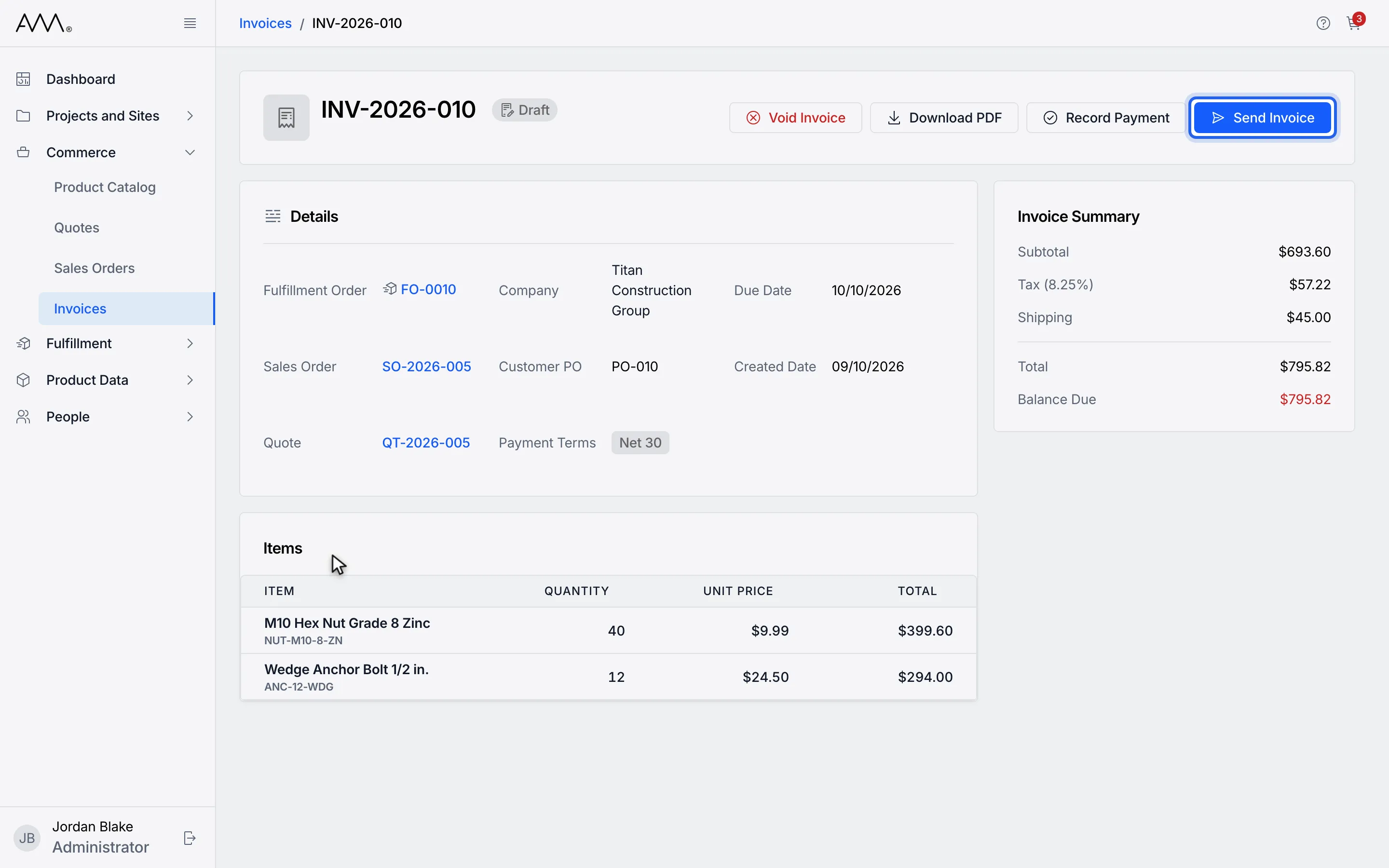
4Click Send Invoice.
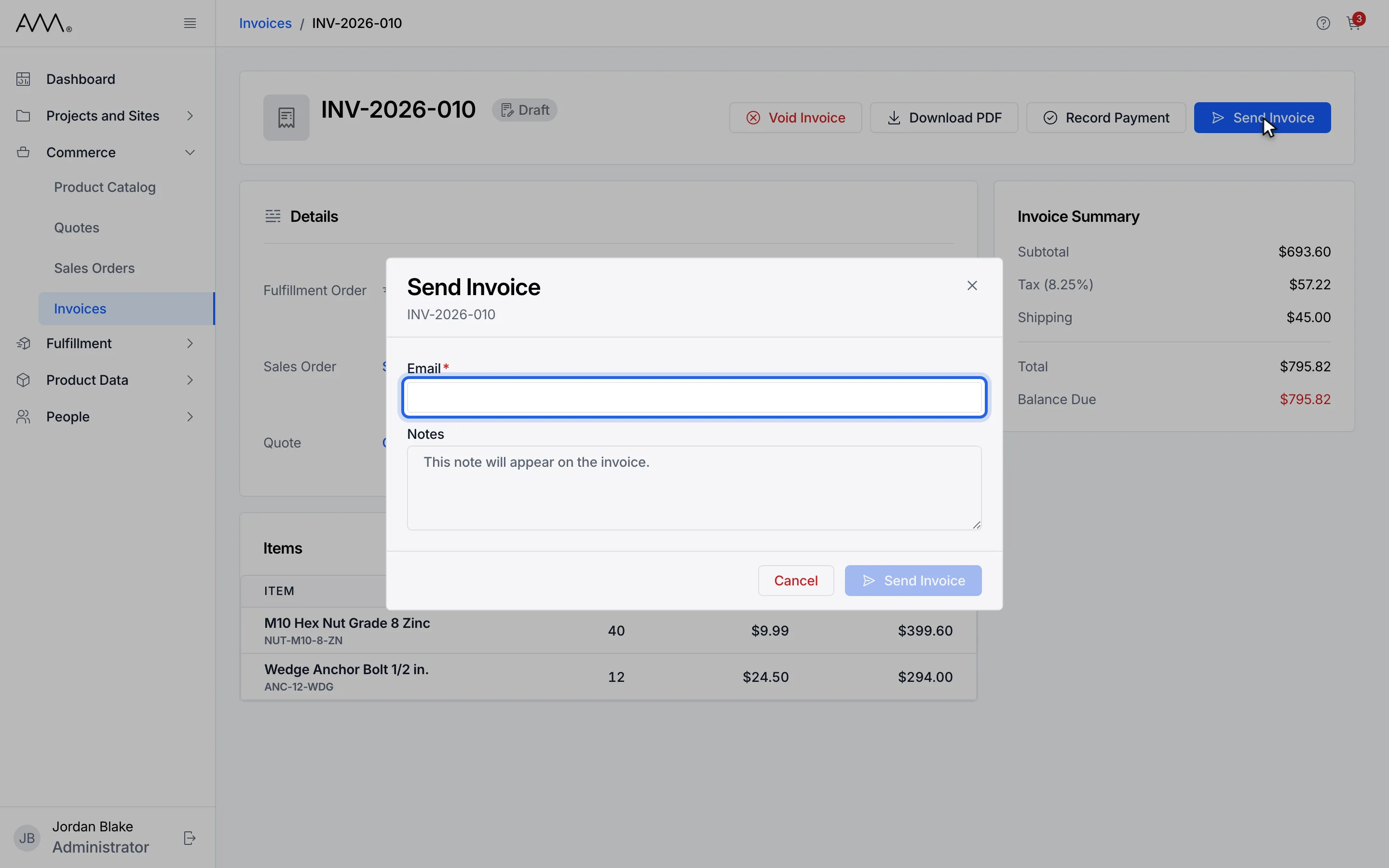
5Type each recipient Email and press Enter.
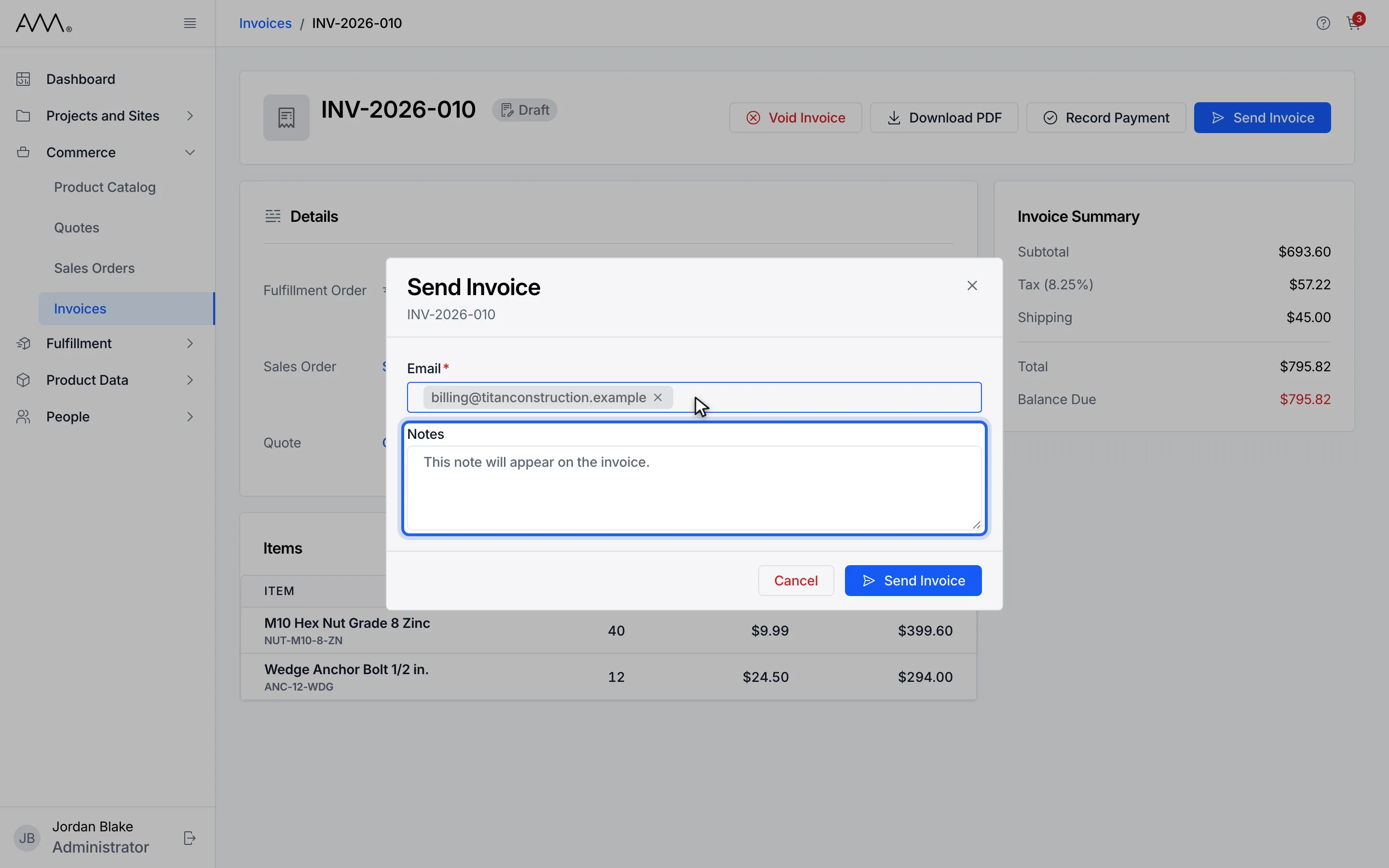
6Add Notes to appear on the invoice (optional).
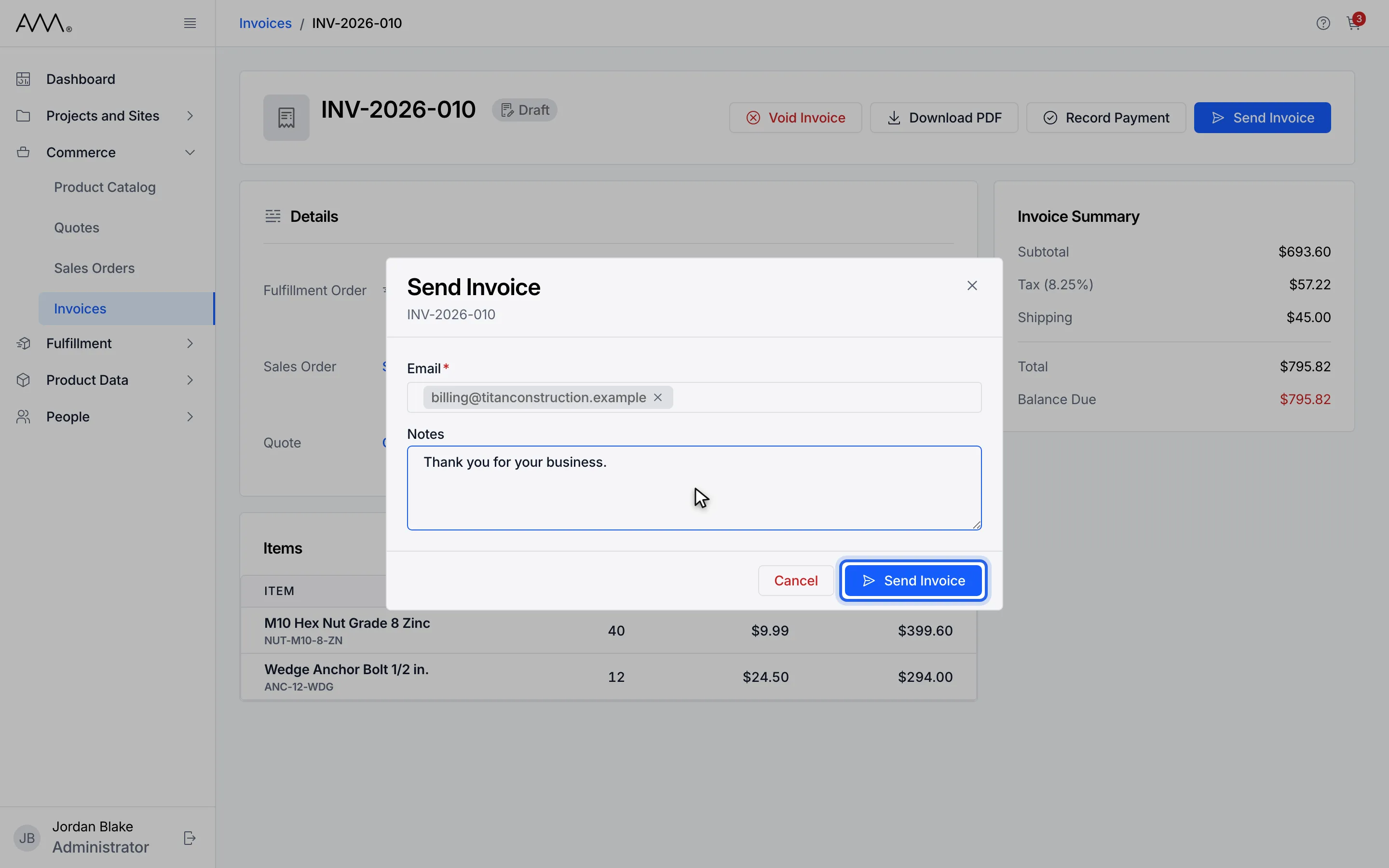
7Click Send Invoice. A message confirms Invoice sent.
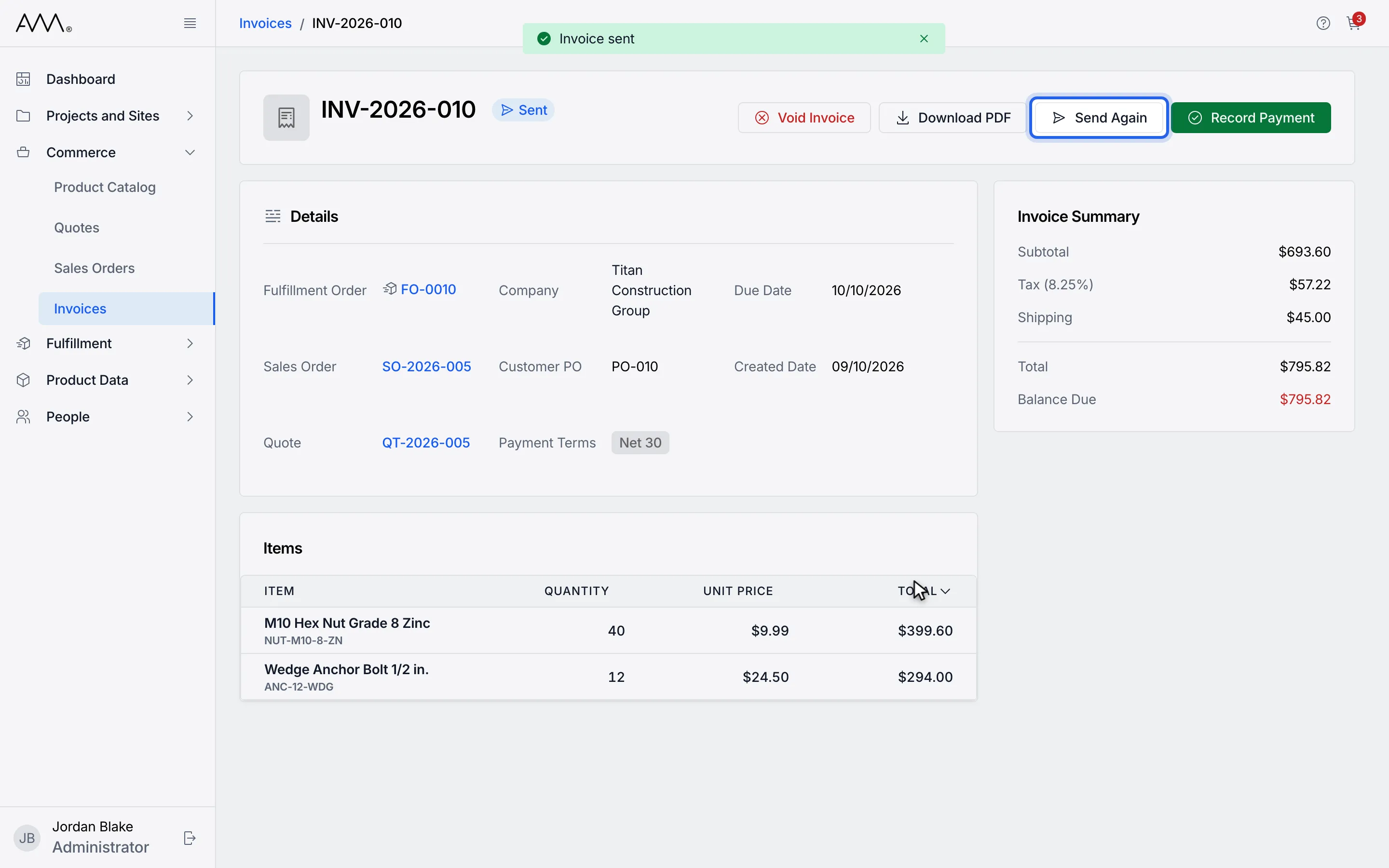
8The invoice is Sent. Send Again reopens the same dialog.
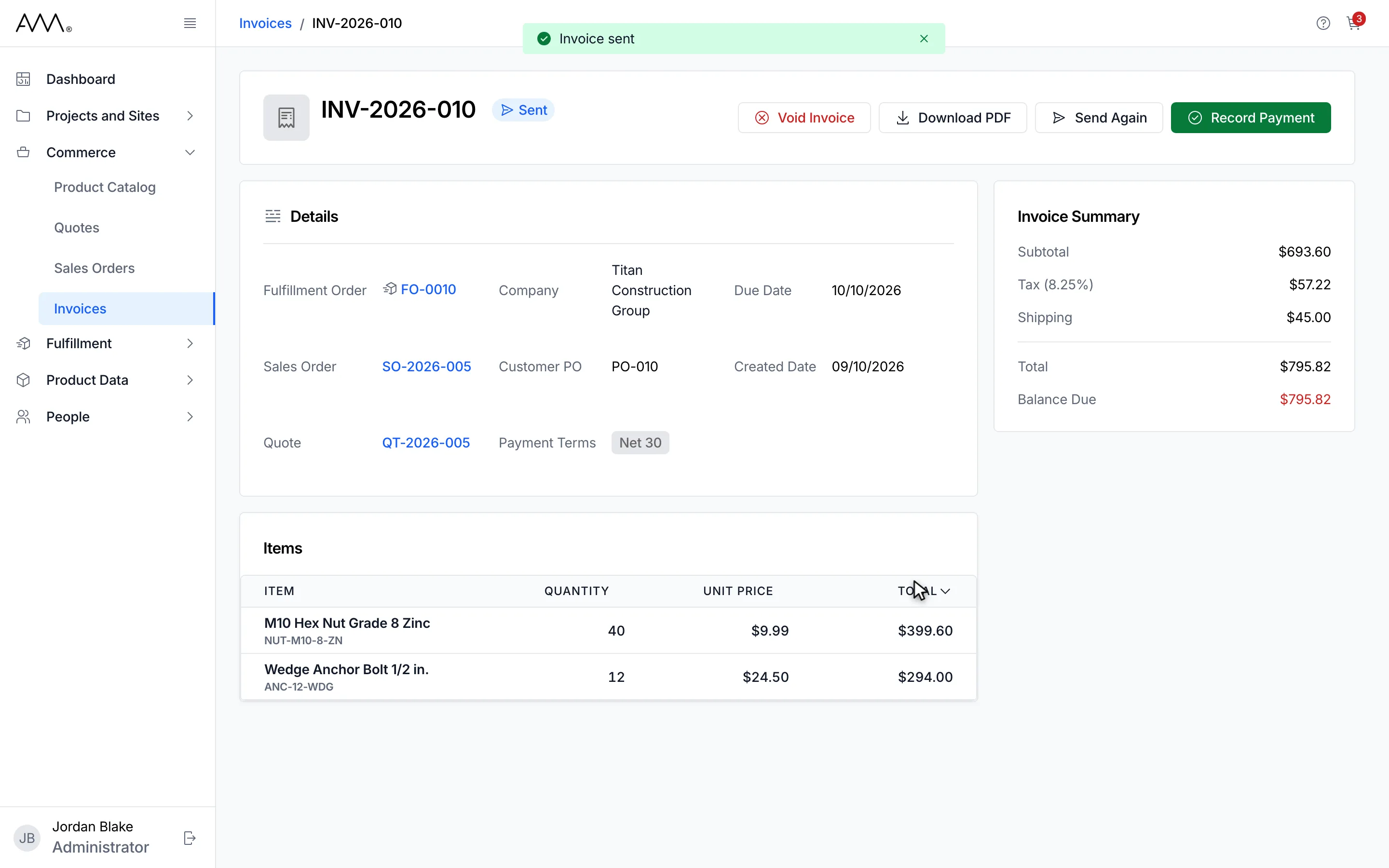
9The invoice is Sent. Send Again reopens the same dialog.
Watch this as a video (send an invoice)
What happens next
Section titled “What happens next”A message confirms Invoice sent, the dialog closes, and a Draft invoice becomes Sent with Send Again in its header; a Sent invoice stays Sent. The recipient list starts empty each time you open the dialog, and the latest note replaces any earlier one.
If the send was recorded but some of the emails could not be delivered, the dialog still closes and a warning explains which, or reads Invoice was sent, but some emails failed. Send the invoice again to the addresses that were missed.
If the invoice cannot be sent at all, the dialog stays open and a message explains why:
- This invoice was sent moments ago. Wait a moment before sending it again.
- This invoice has changed and can no longer be updated this way. Refresh and try again.
- This was already submitted with different details. Close this window and try again.
- Could not send the invoice. Please try again.
Validation messages are listed in the reference.