Void an invoice
Void an invoice that was issued in error or should no longer be collected. The invoice stays in the list and keeps its details, but it is no longer active and cannot be sent or paid.
- Open the invoice.
- Click Void Invoice.
- In Void Invoice?, click Void Invoice to confirm, or Cancel to keep the invoice as it is.
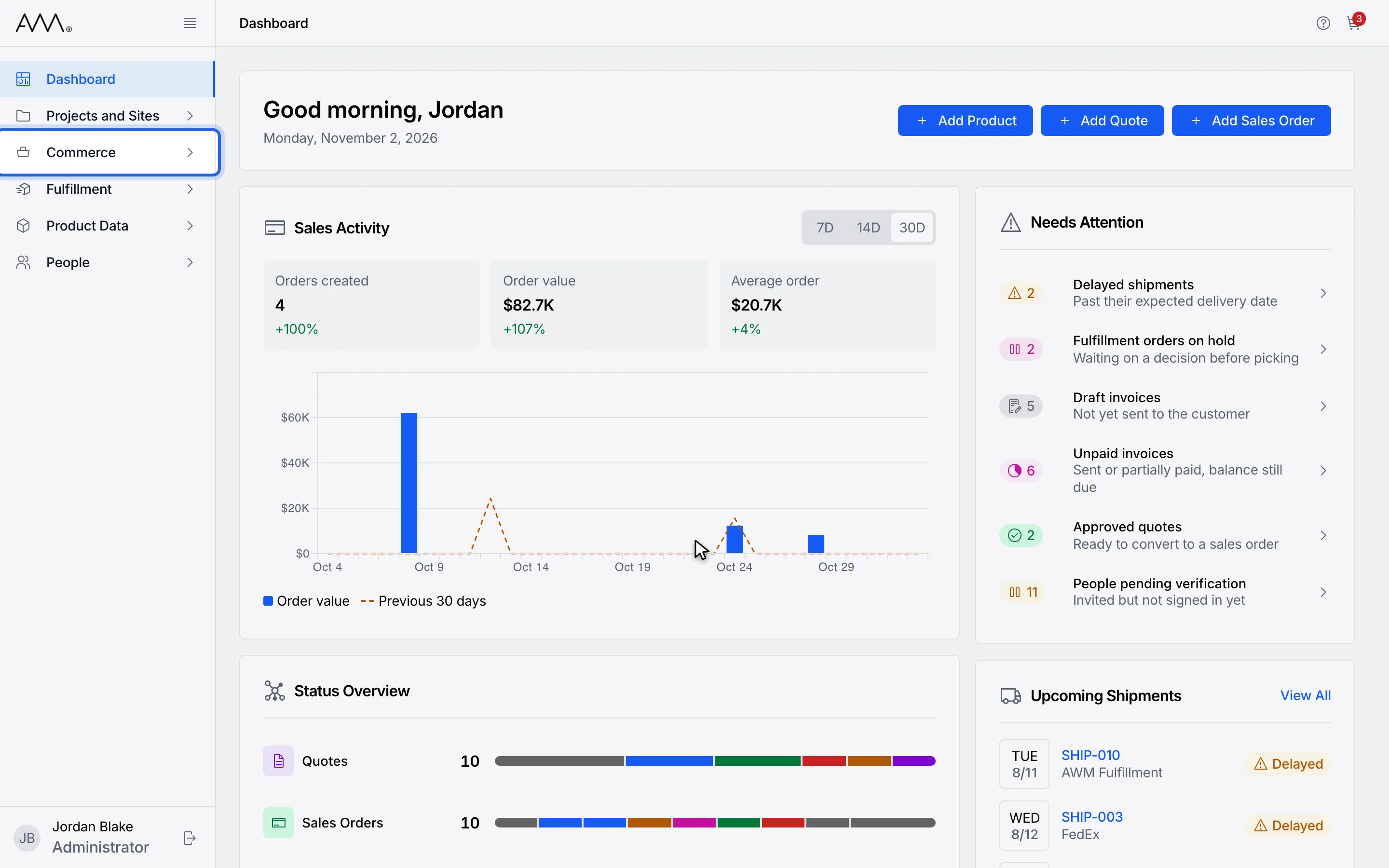
1In the sidebar, open Commerce.
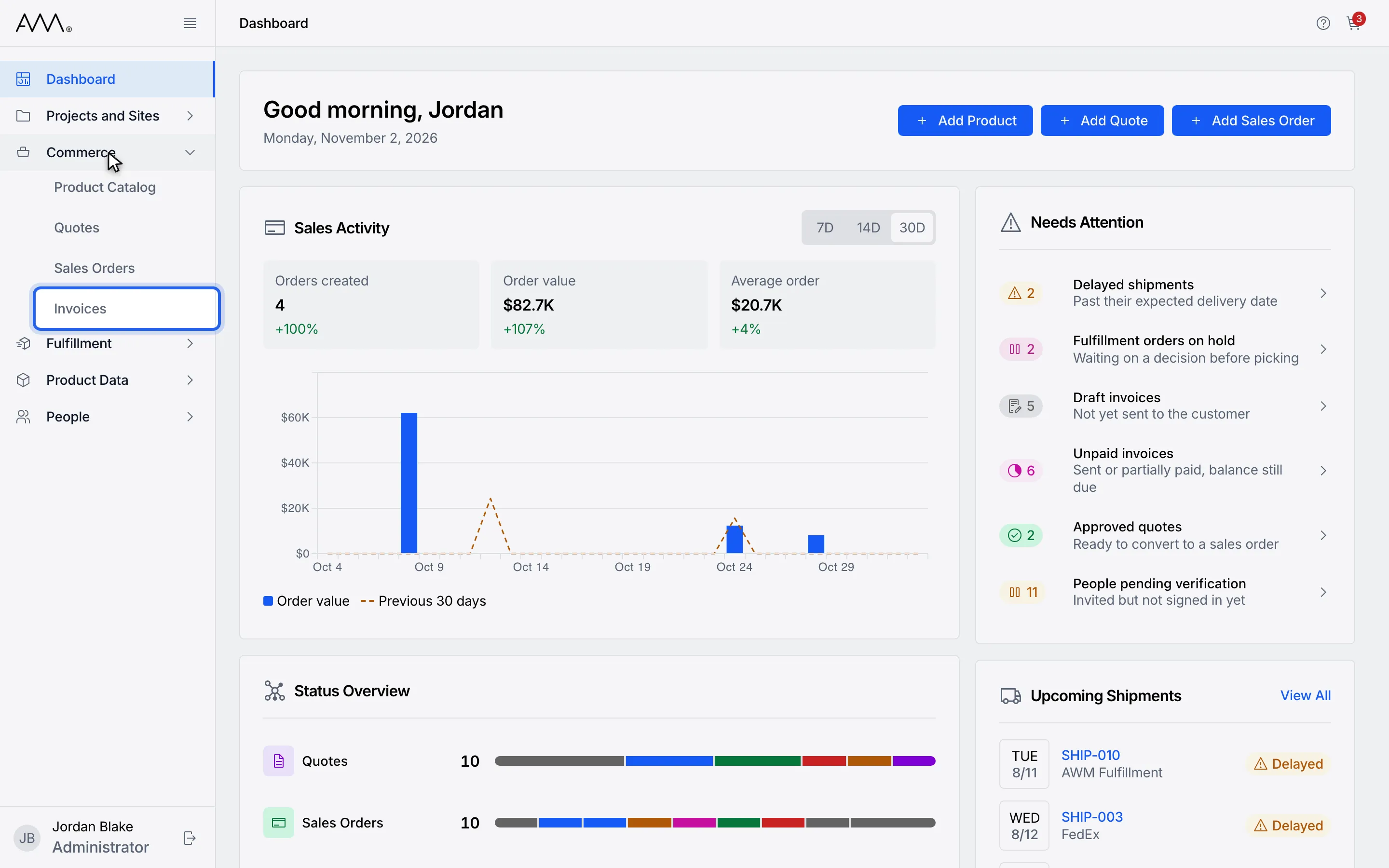
2Choose Invoices.
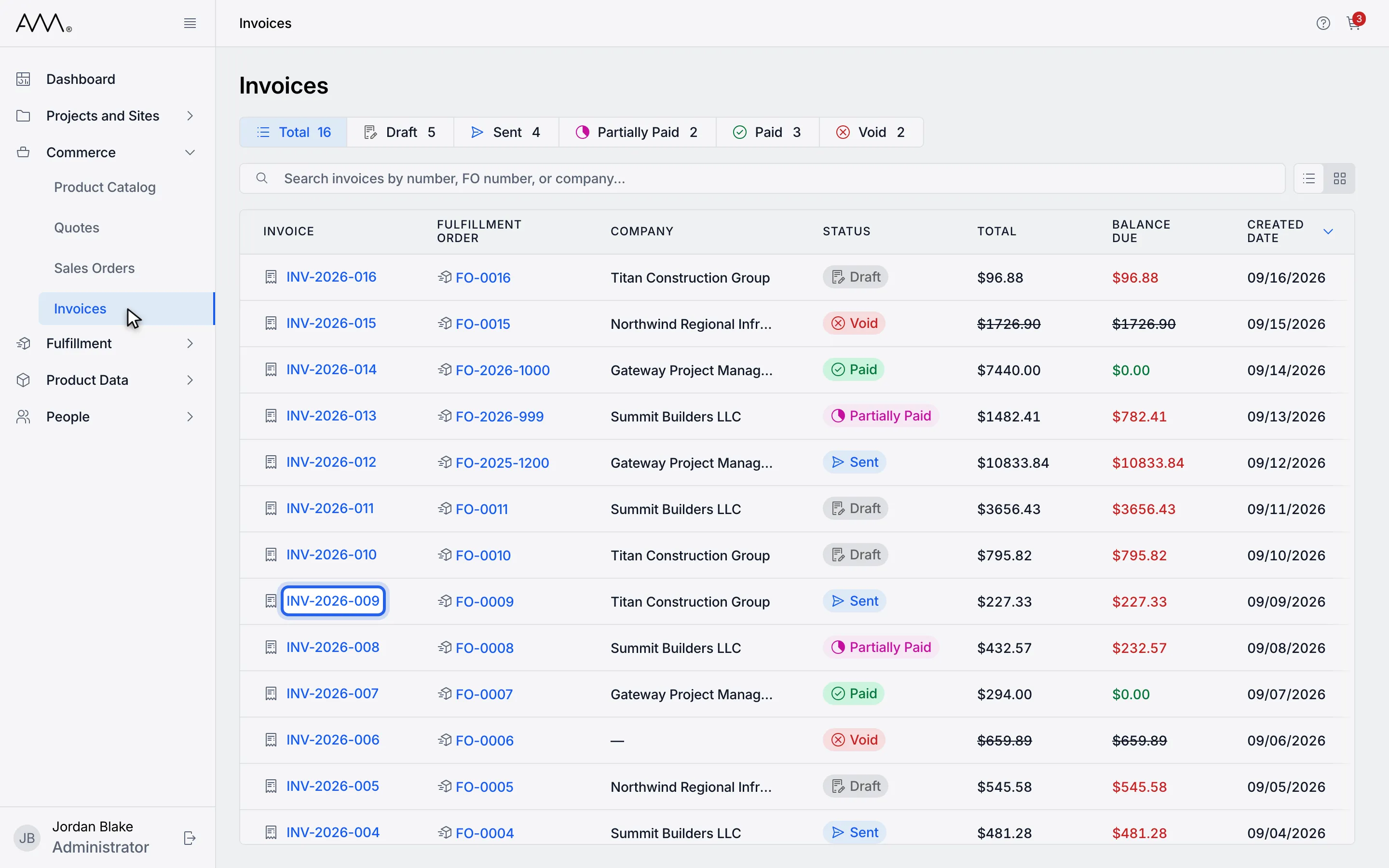
3Open a Draft or Sent invoice.
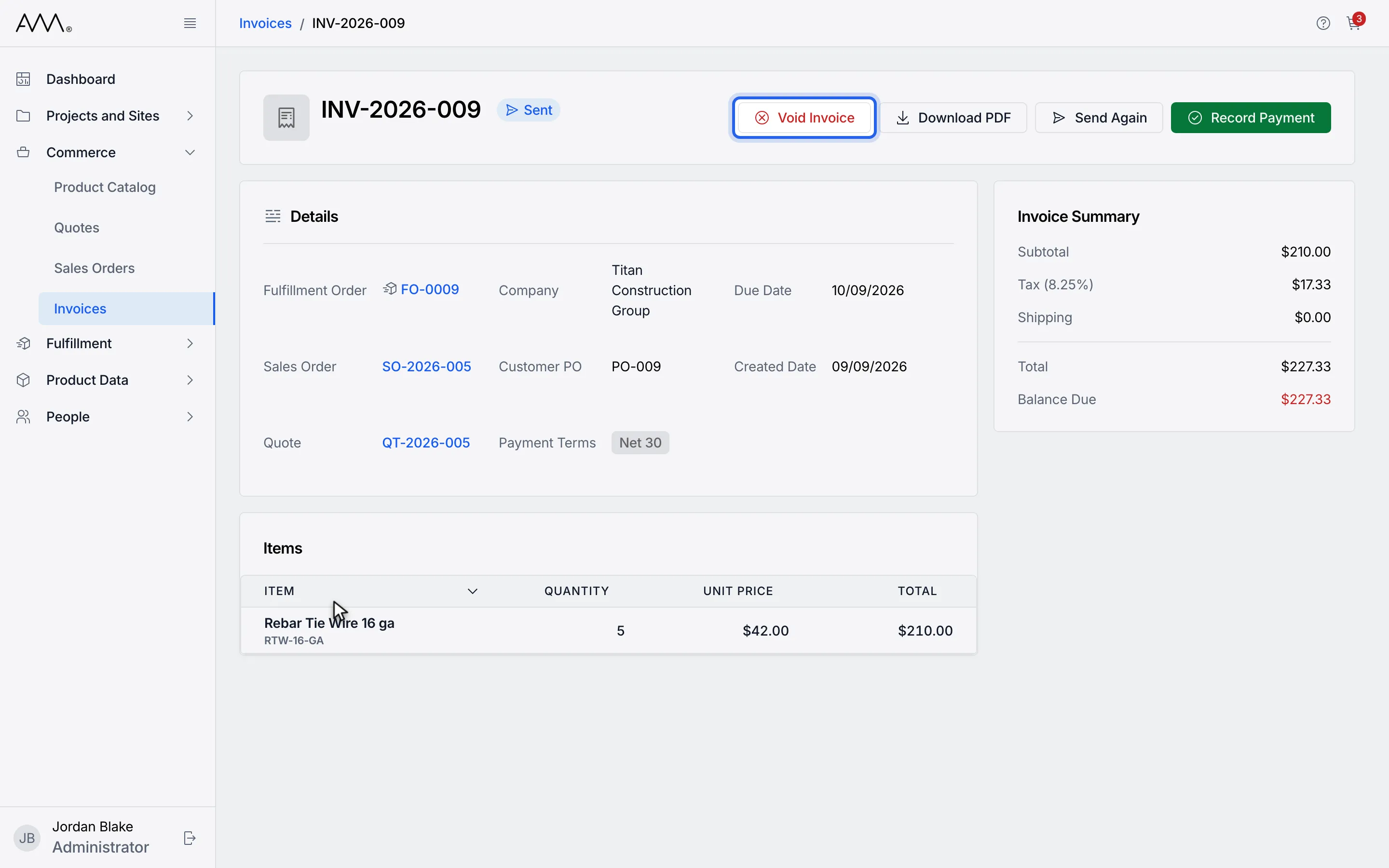
4Click Void Invoice.
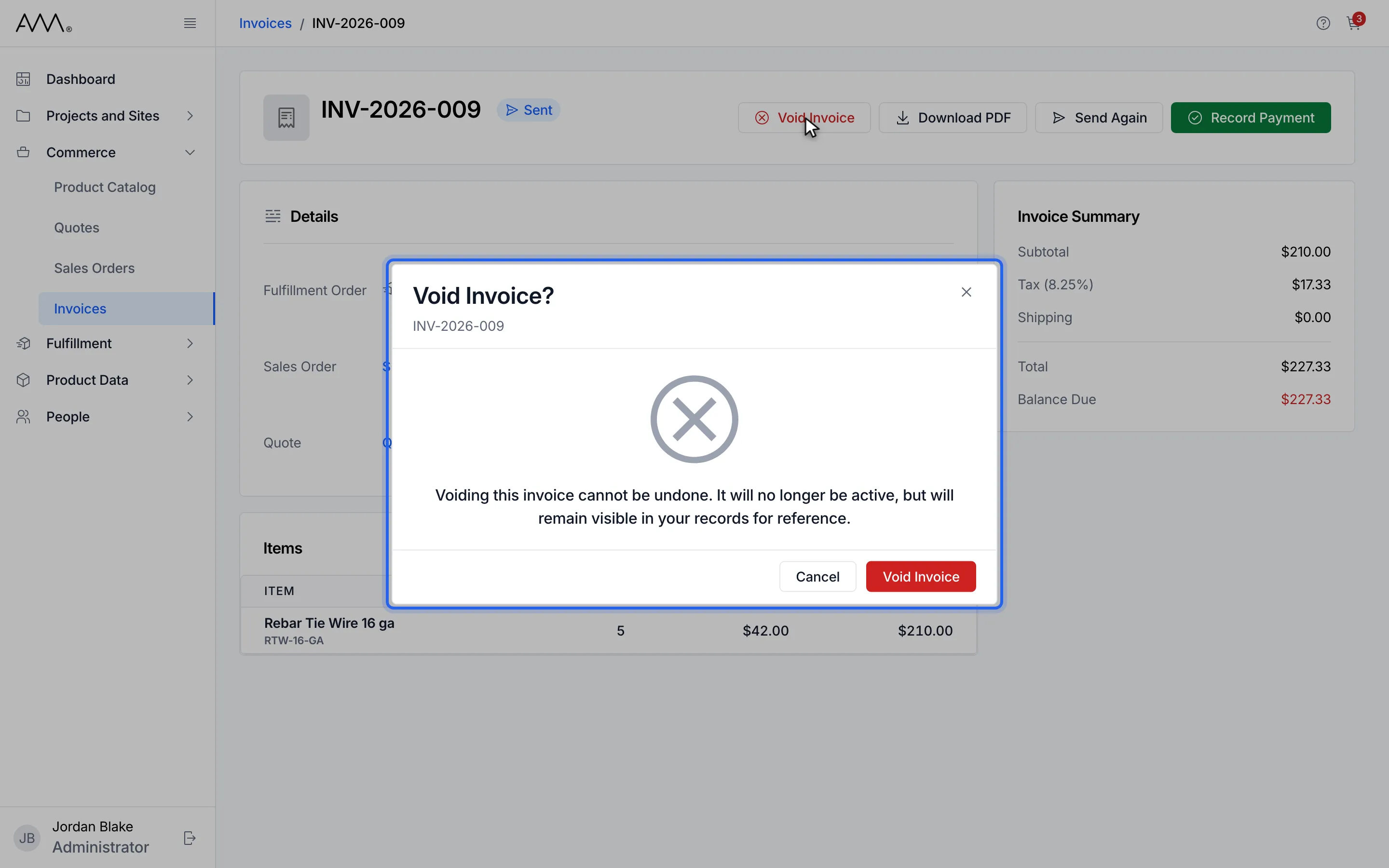
5Read Void Invoice? Cancel closes it without changes.
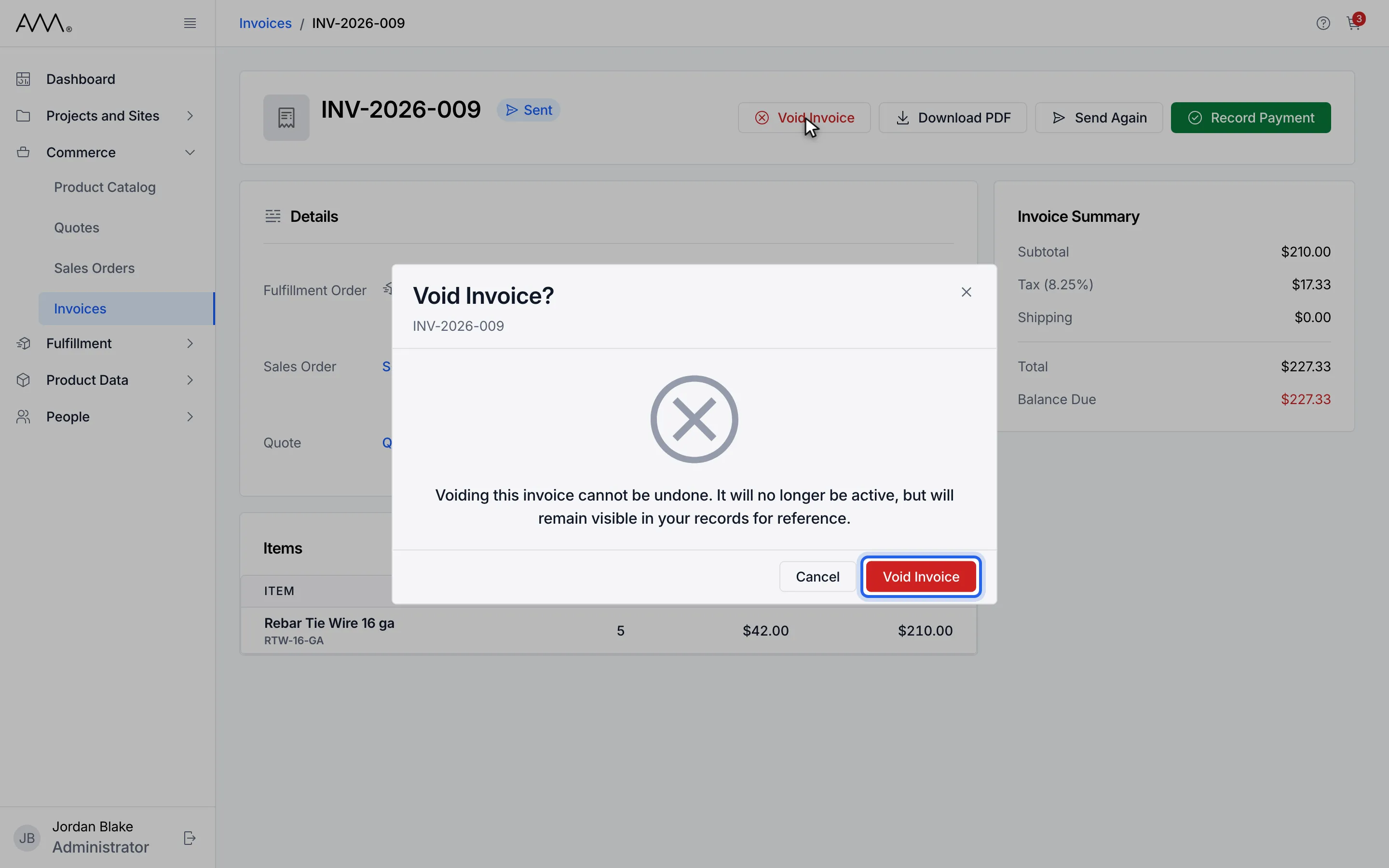
6Click Void Invoice to confirm. A message confirms Invoice voided.
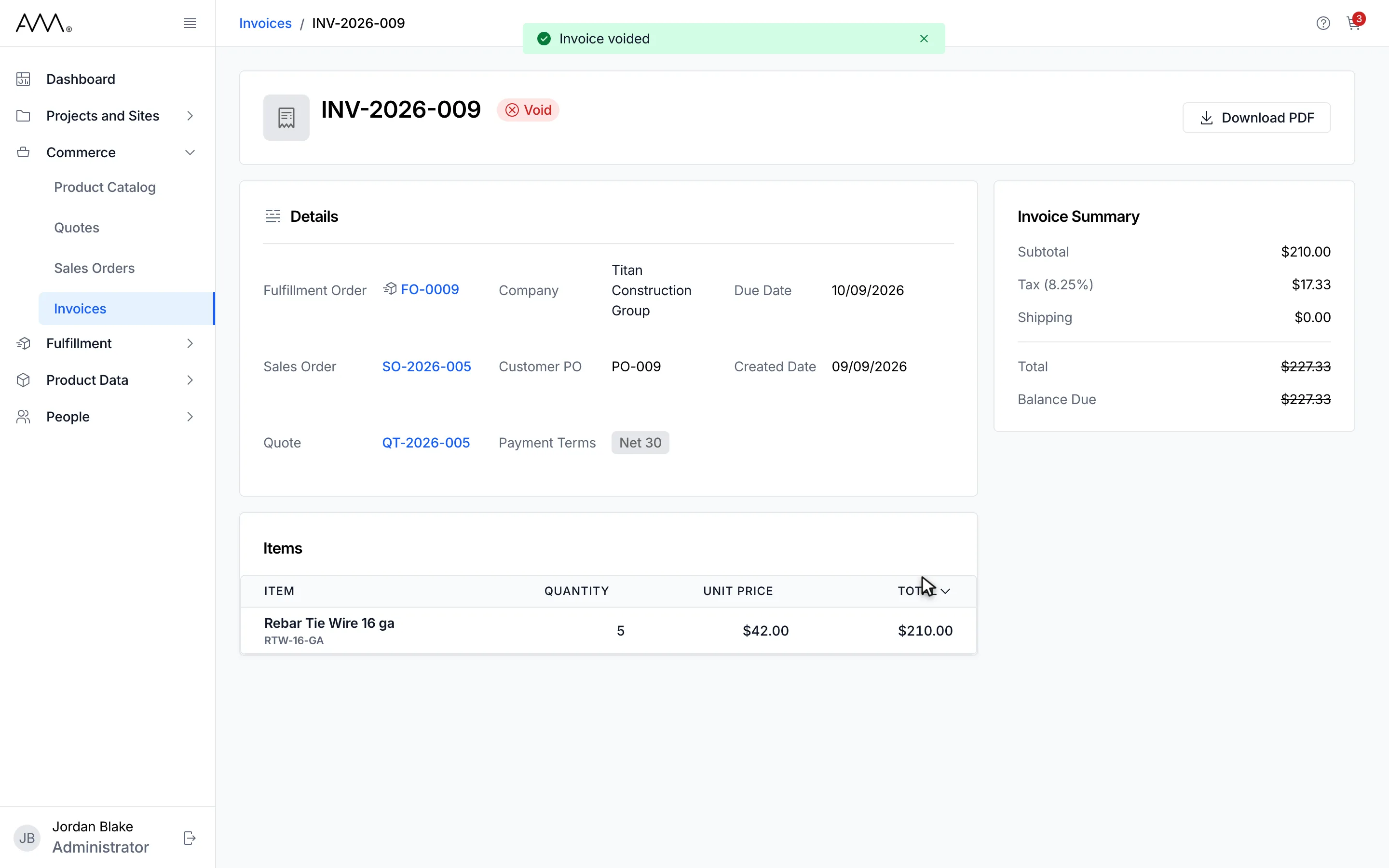
7The invoice is Void. Its amounts are struck through and only Download PDF remains.
8The invoice is Void. Its amounts are struck through and only Download PDF remains.
Watch this as a video (void an invoice)
What happens next
Section titled “What happens next”A message confirms Invoice voided. The status becomes Void, the Total and Balance Due are shown struck through, and only Download PDF remains in the header. If the invoice cannot be voided, the dialog stays open and shows the reason, for example Could not void the invoice. Please try again.