Duplicate a price list
Duplicating is the quickest way to start a variation of a price list you already have. The copy opens straight away in Draft status.
- In the sidebar, open Product Data and choose Price Lists.
- In the Actions column, click the Duplicate icon on the price list you want to copy. There is no confirmation.
- The copy opens on its own page in Draft status. Click Edit price list to give it its own name.
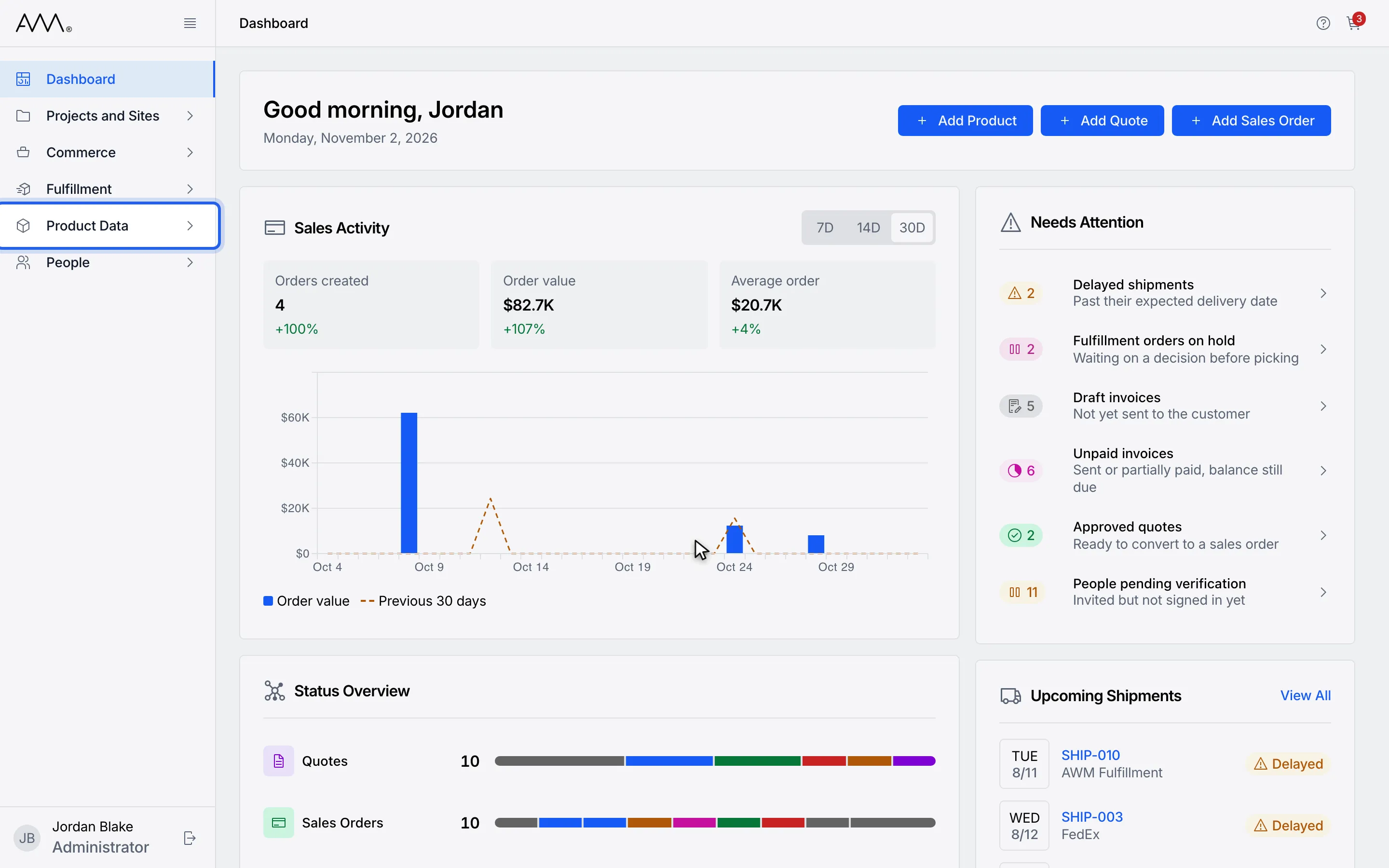
1In the sidebar, open Product Data.
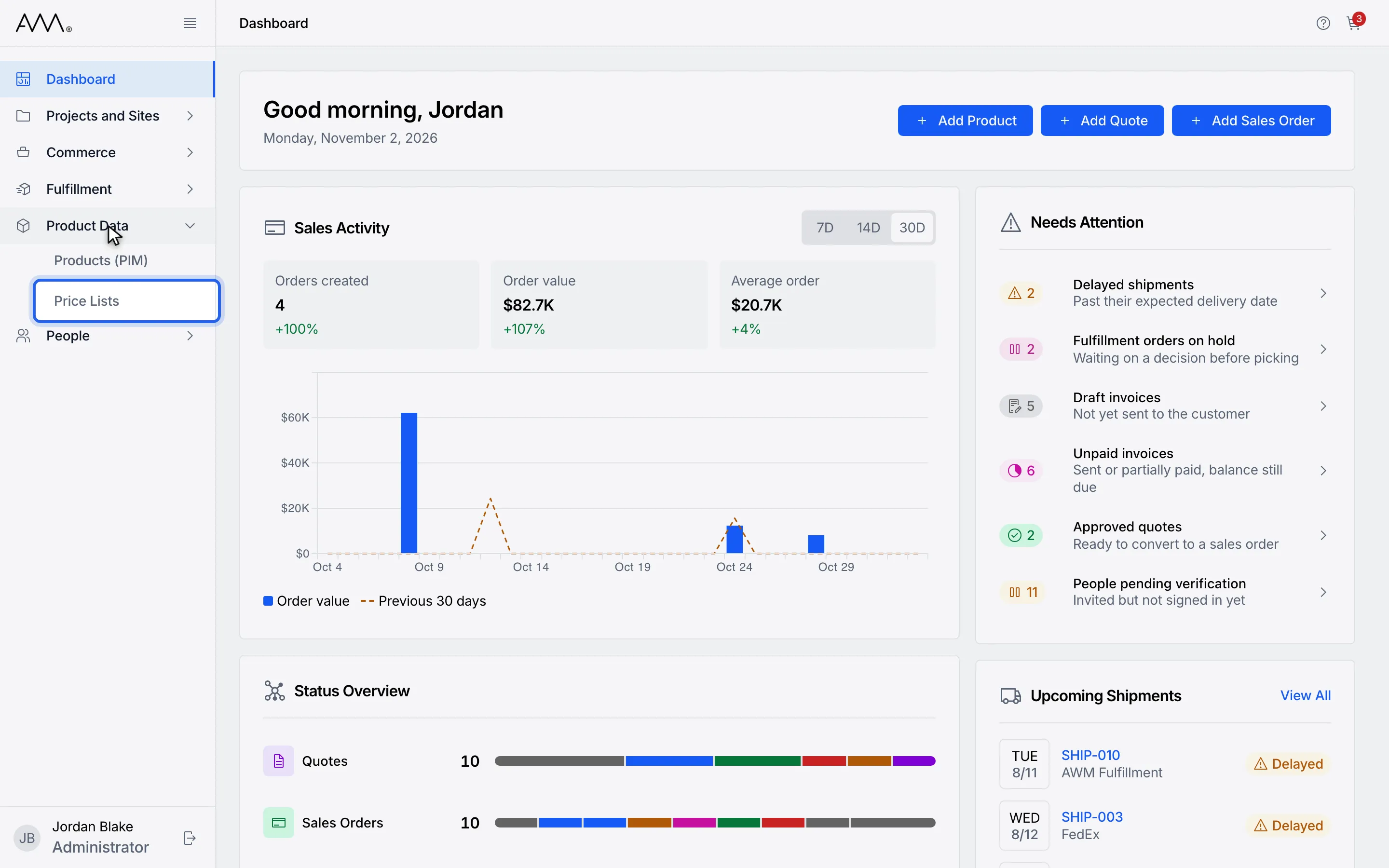
2Choose Price Lists.
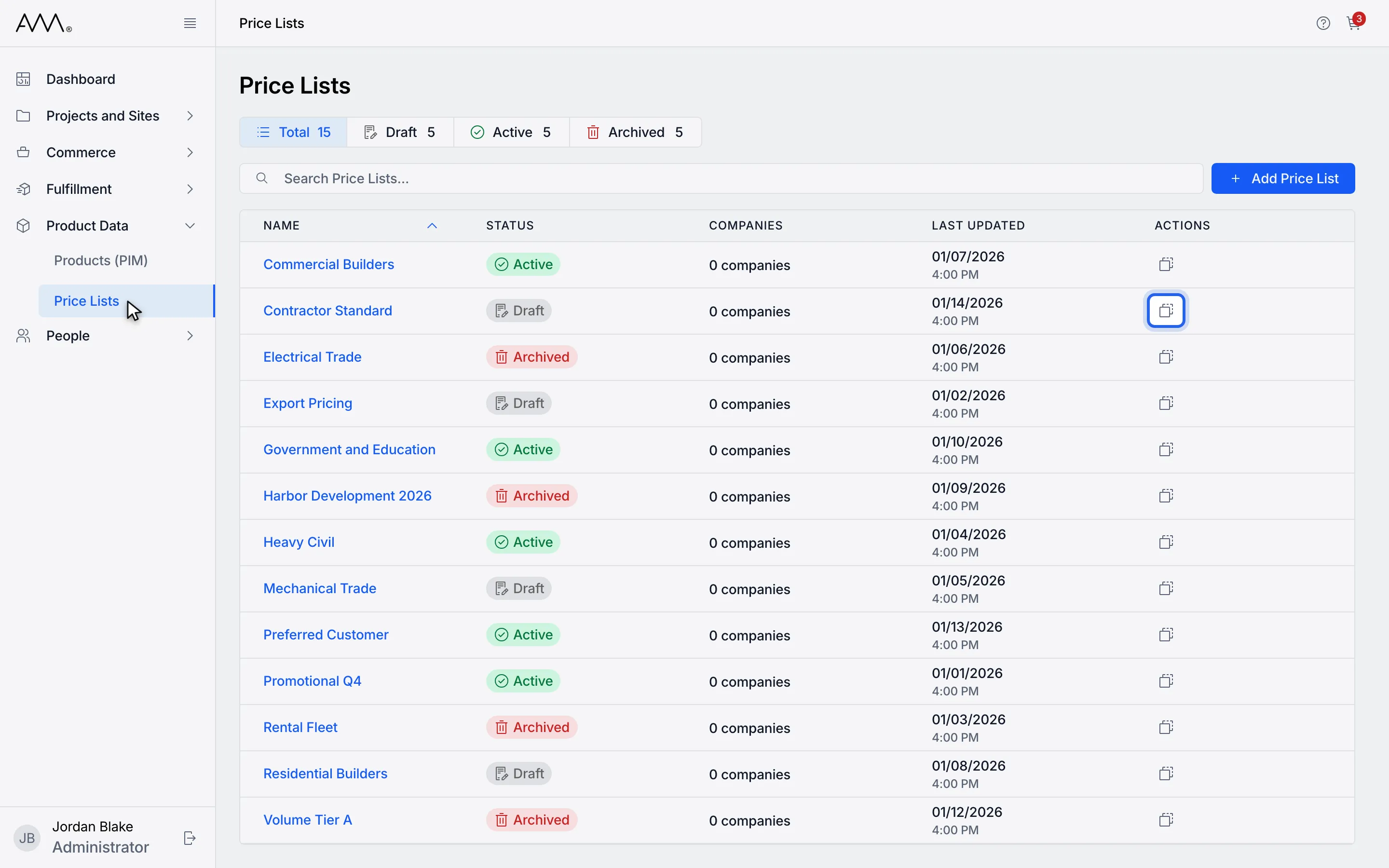
3In the Actions column, click Duplicate on the price list to copy.
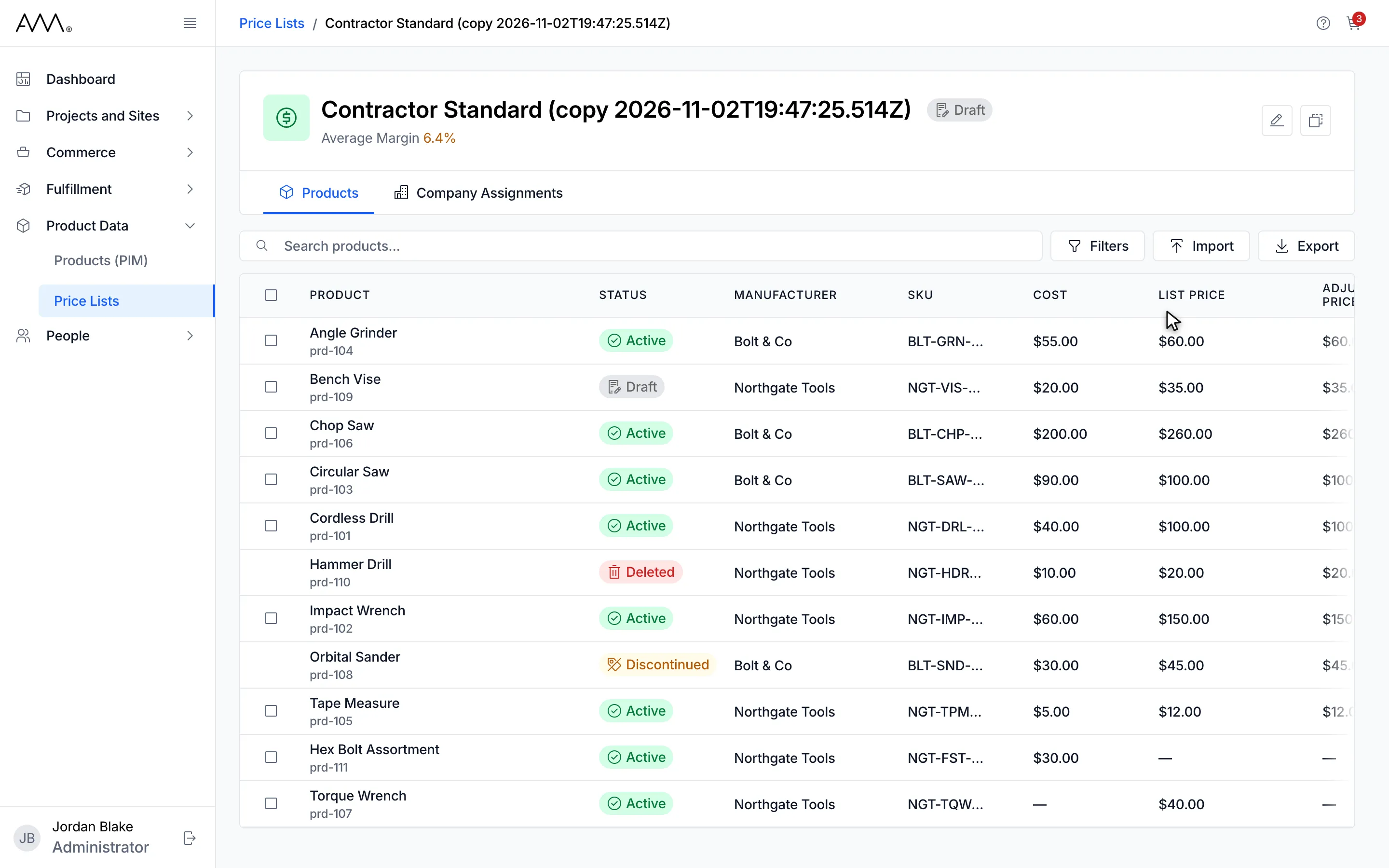
4The copy is a Draft. Click Edit price list to give it its own name.
5The copy opens on its own page in Draft status.
Watch this as a video (duplicate a price list)
What happens next
Section titled “What happens next”The copy starts in Draft status, so quotes and sales orders do not use it yet. Review its name, global adjustment, product prices and company assignments before you set it to Active. To rename it or change its status, open Edit price list as described in Create and edit a price list.
If the copy could not be made, the toast Could not duplicate price list. Please try again. appears.