Approve or reject a quote
When the customer answers, record the decision on the quote. Marking it Approved unlocks converting it to a sales order. Marking it Rejected closes it and offers a duplicate you can revise.
- Open the Sent quote. See Find a quote.
- To approve, click Mark Approved.
- In the Mark Quote As Approved? dialog, confirm with Mark Approved. The toast reads Quote marked as approved and the header now offers Convert to Sales Order.
- To reject a quote instead, go back to the Quotes list and open the Sent quote.
- Click Mark Rejected.
- In the Mark Quote As Rejected? dialog, confirm with Mark Rejected. The toast reads Quote marked as rejected.
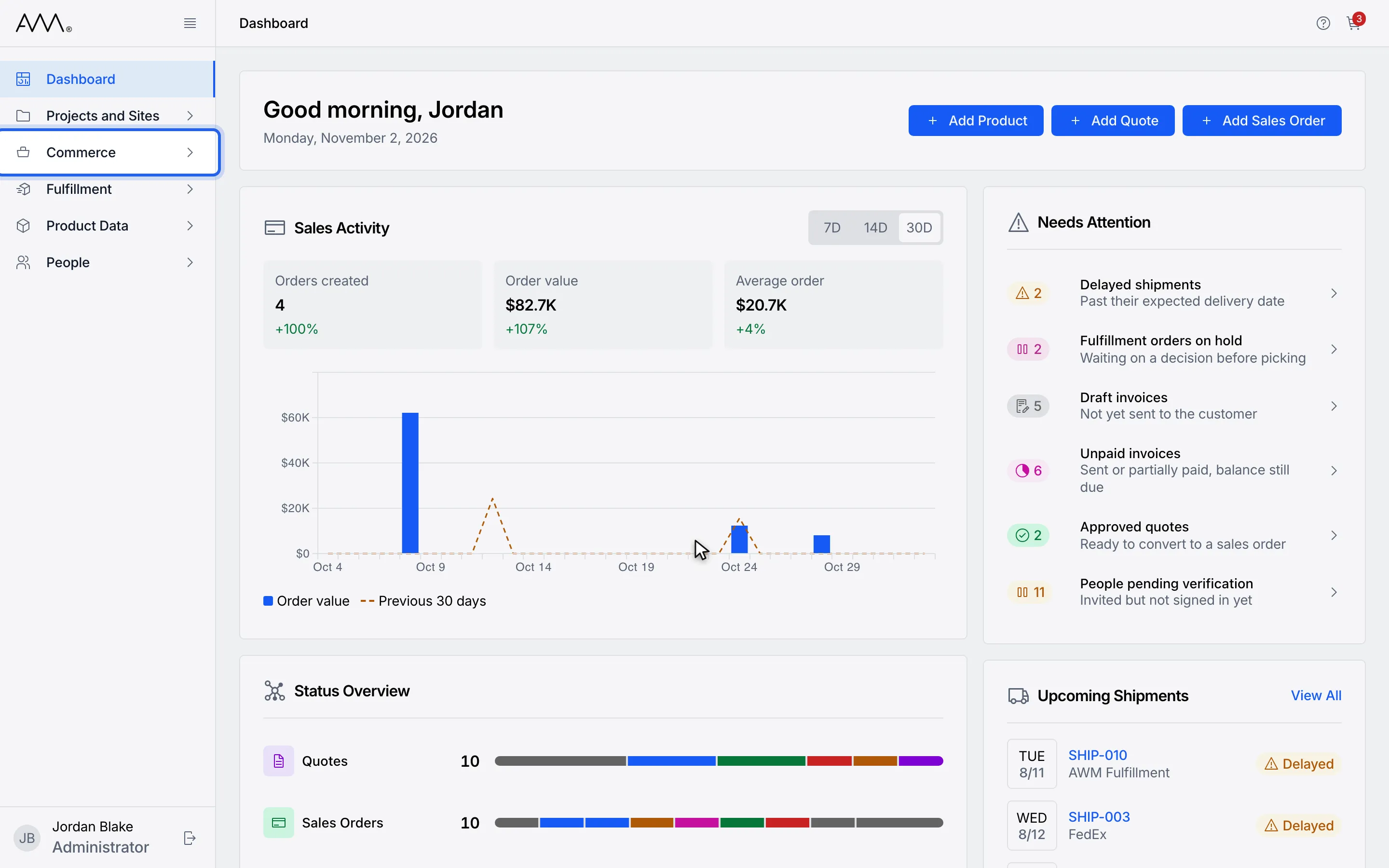
1In the sidebar, open Commerce.
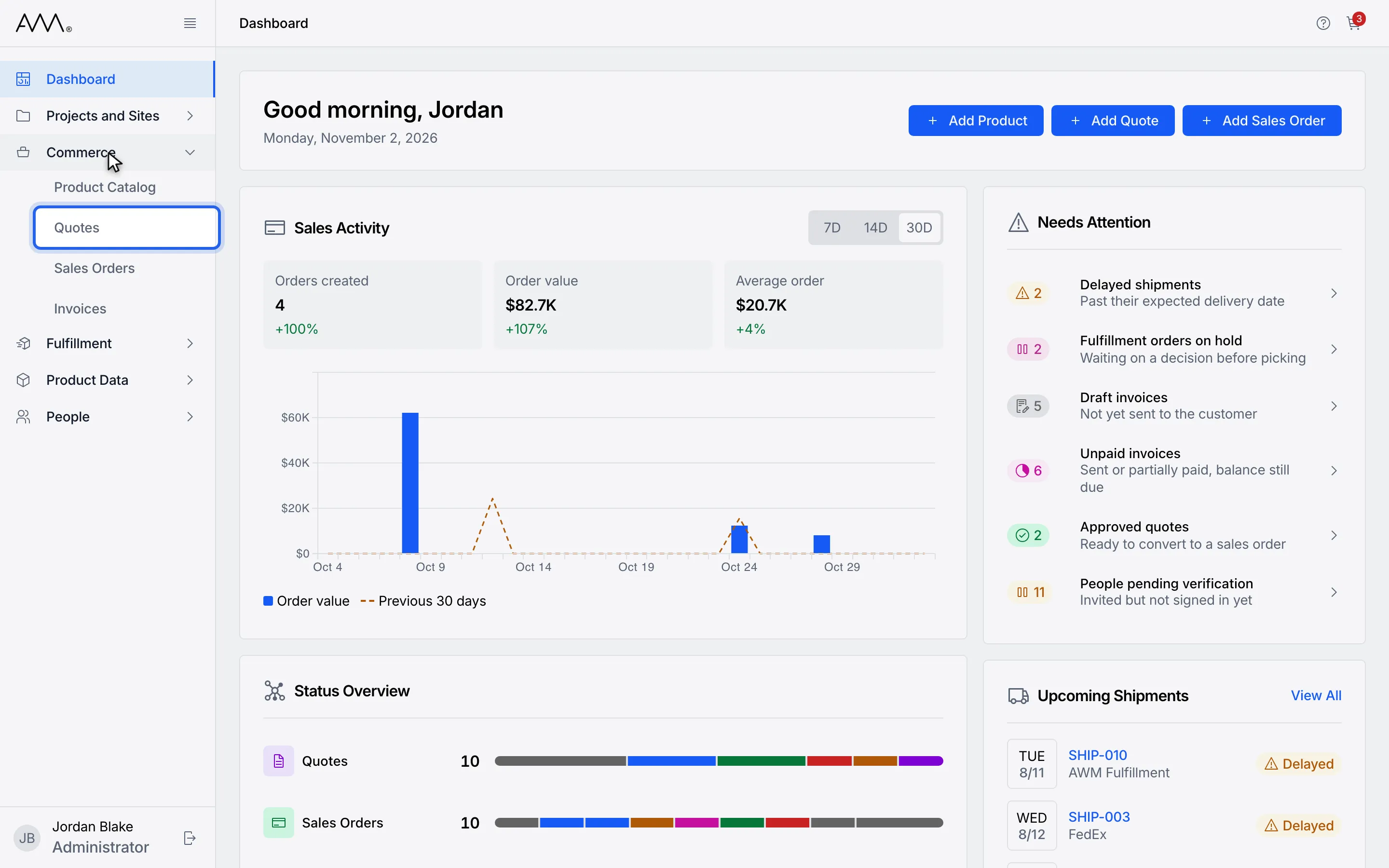
2Choose Quotes.
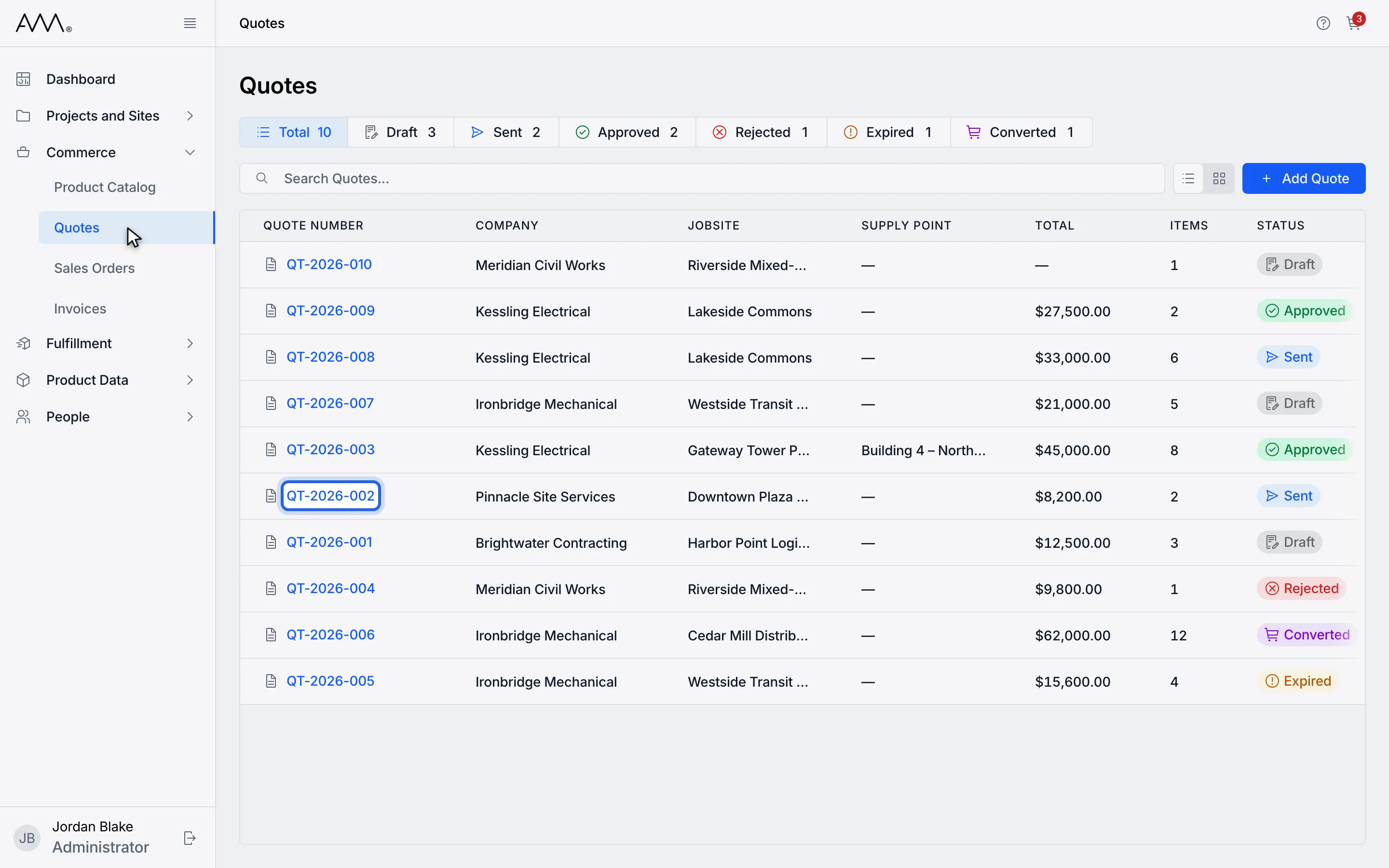
3Open a Sent quote.
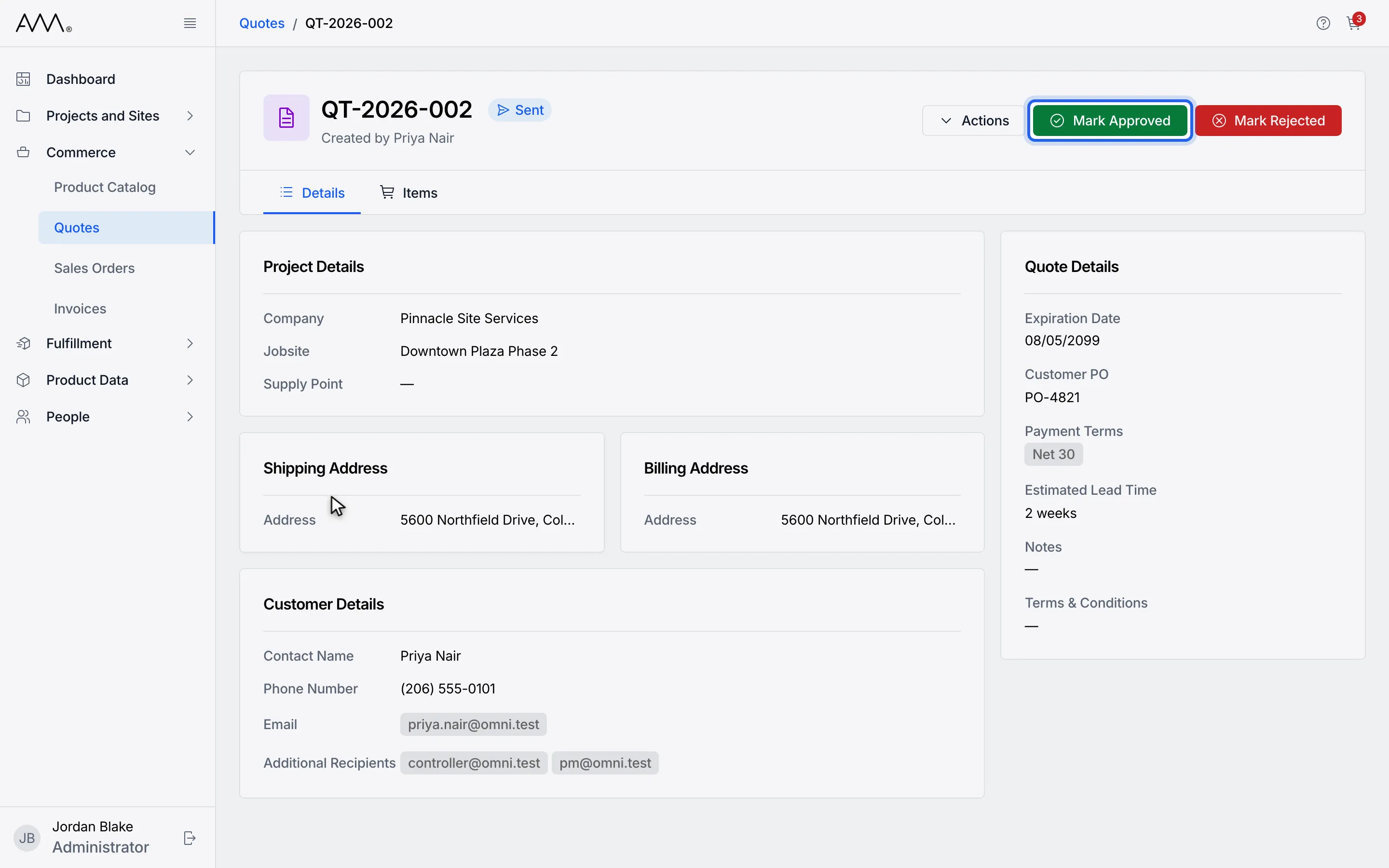
4To approve, click Mark Approved.
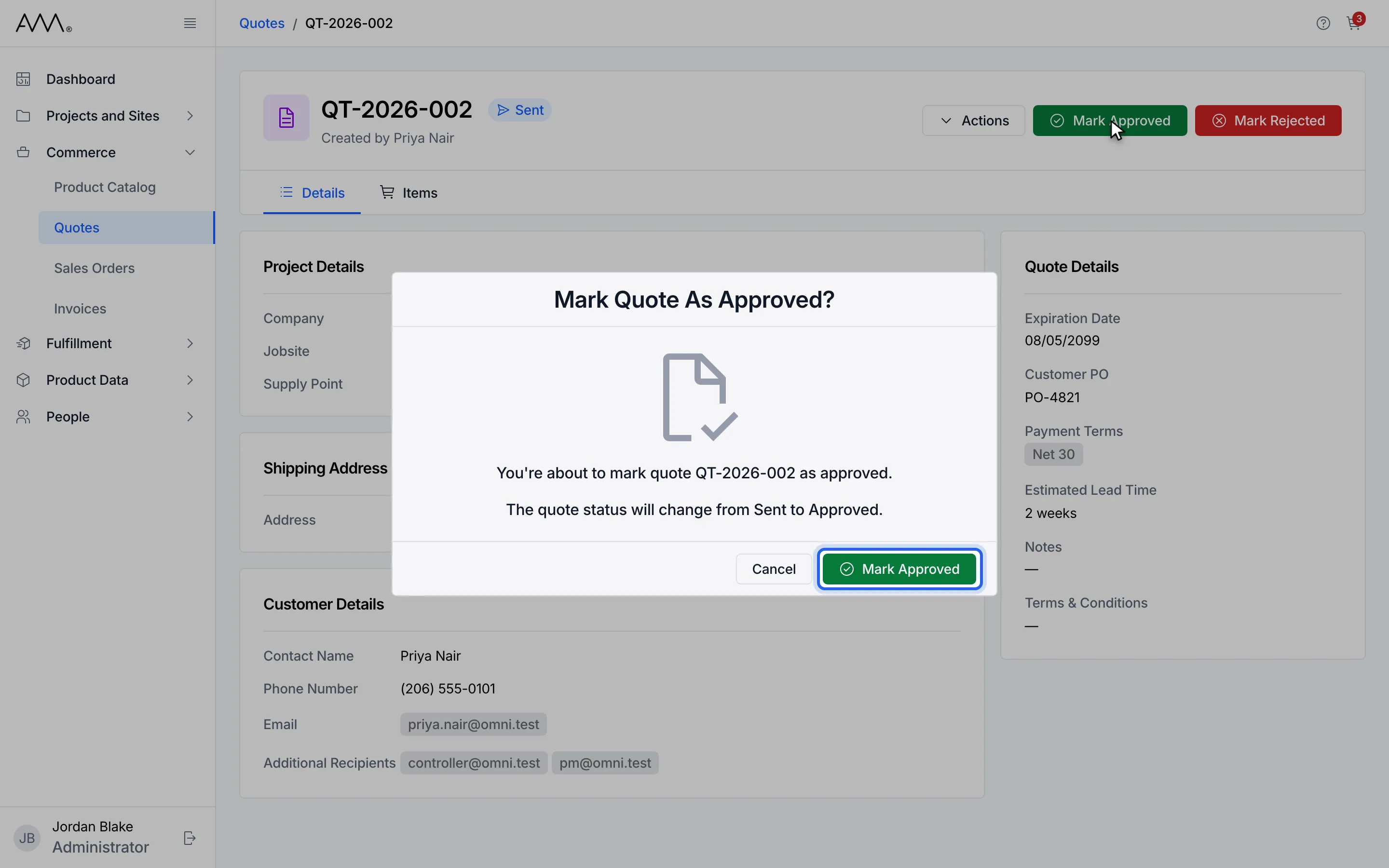
5Confirm with Mark Approved.
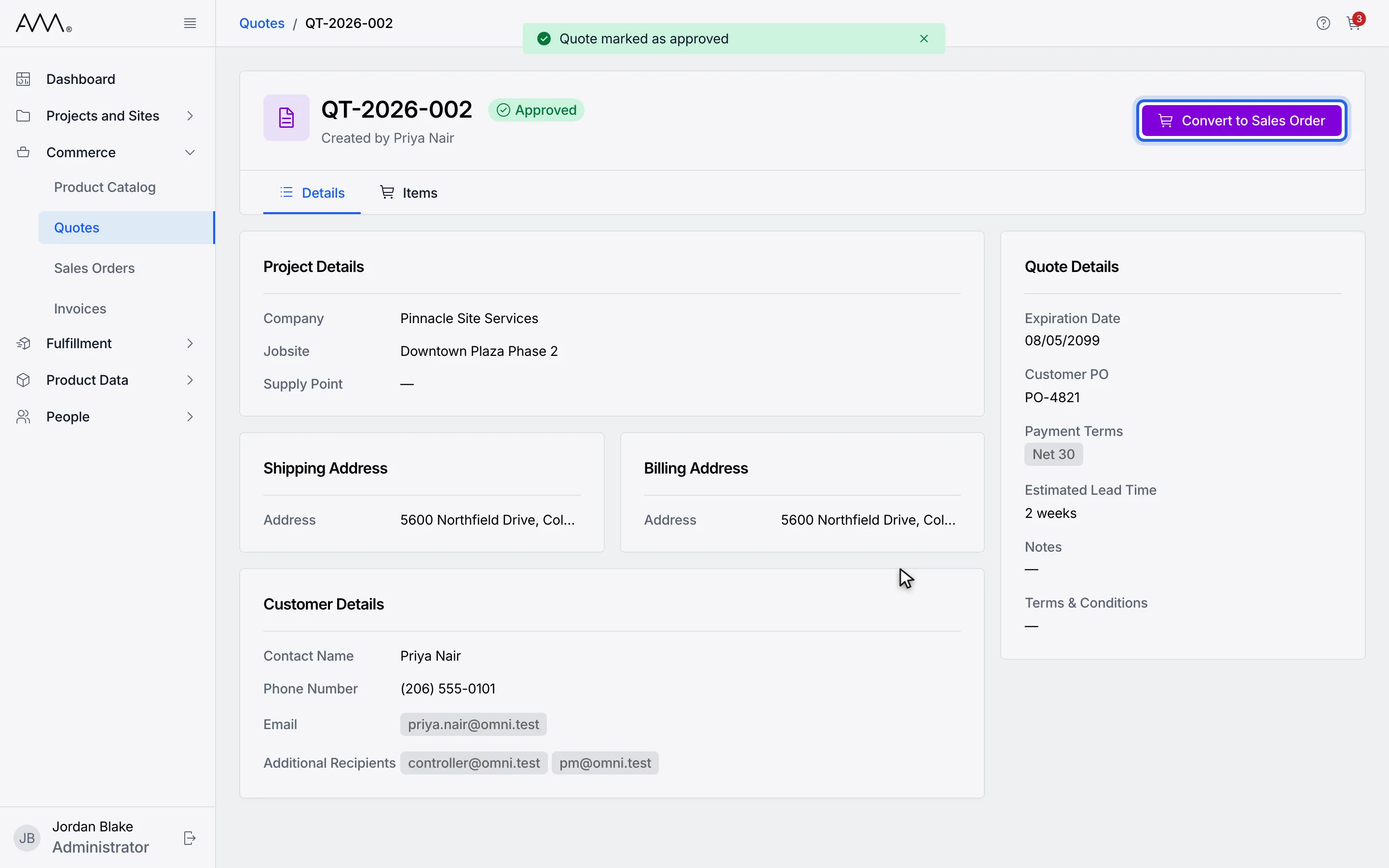
6The quote is Approved and offers Convert to Sales Order.
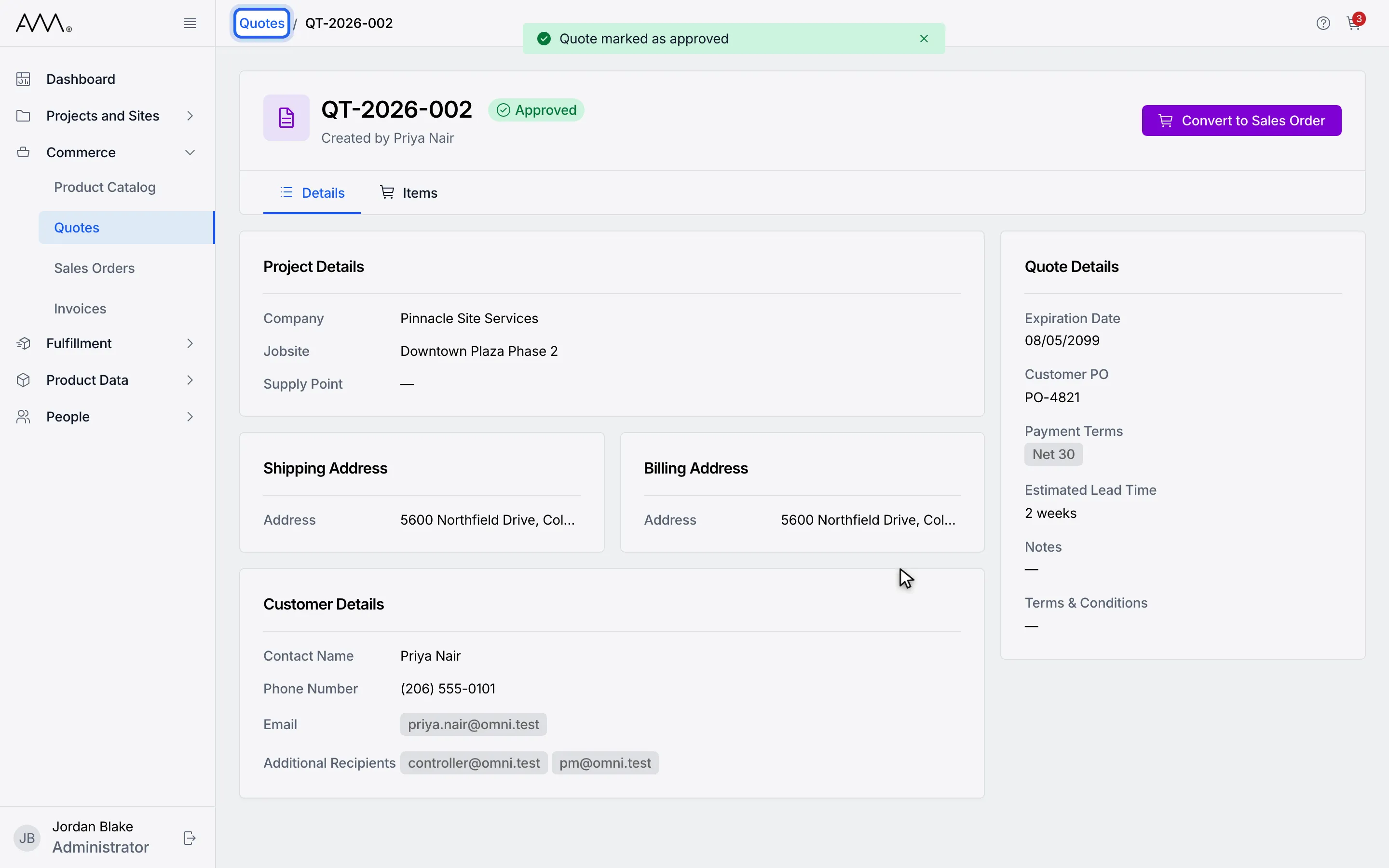
7To reject a quote instead, go back to the Quotes list.
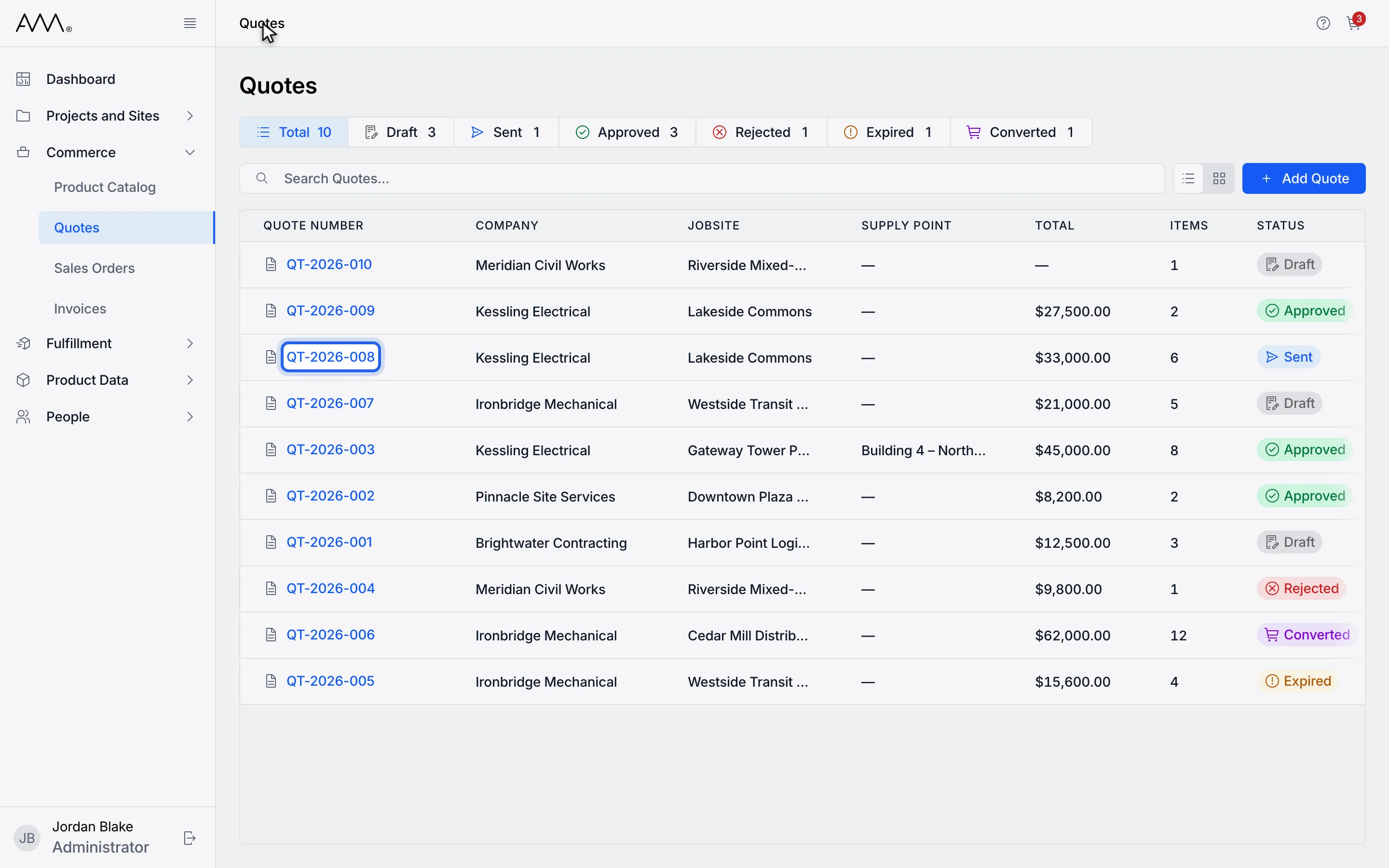
8Open another Sent quote.
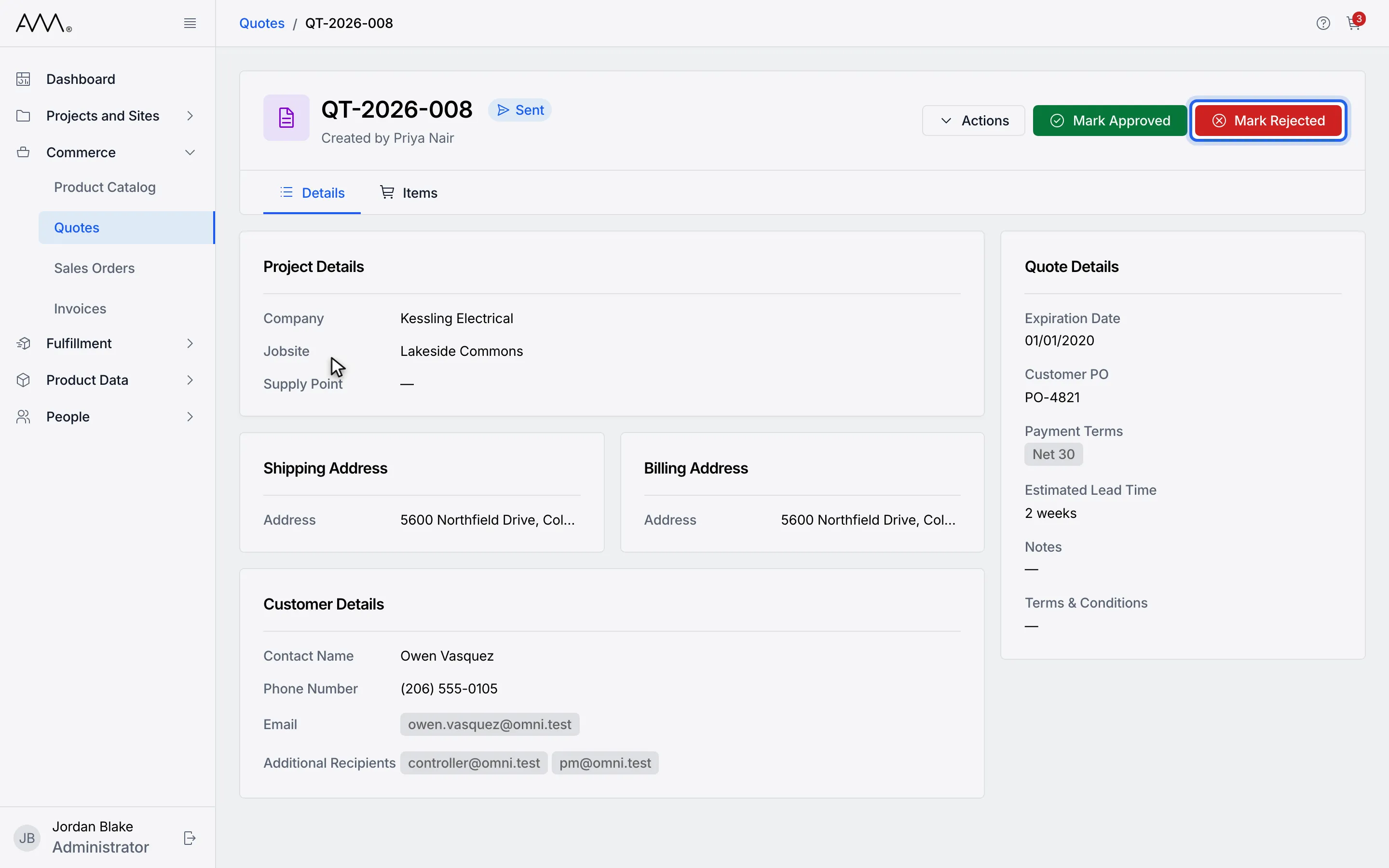
9Click Mark Rejected.
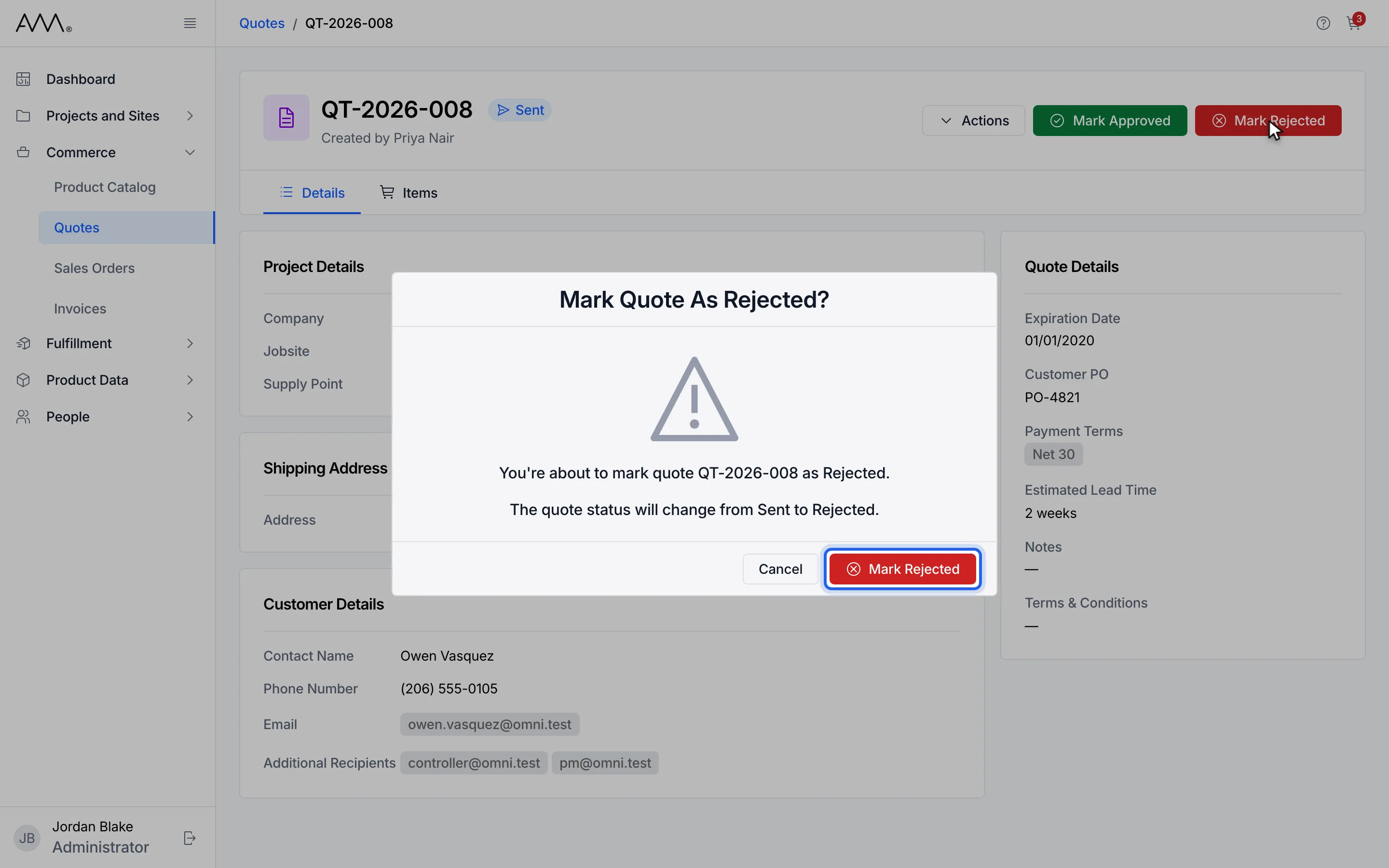
10Confirm with Mark Rejected.
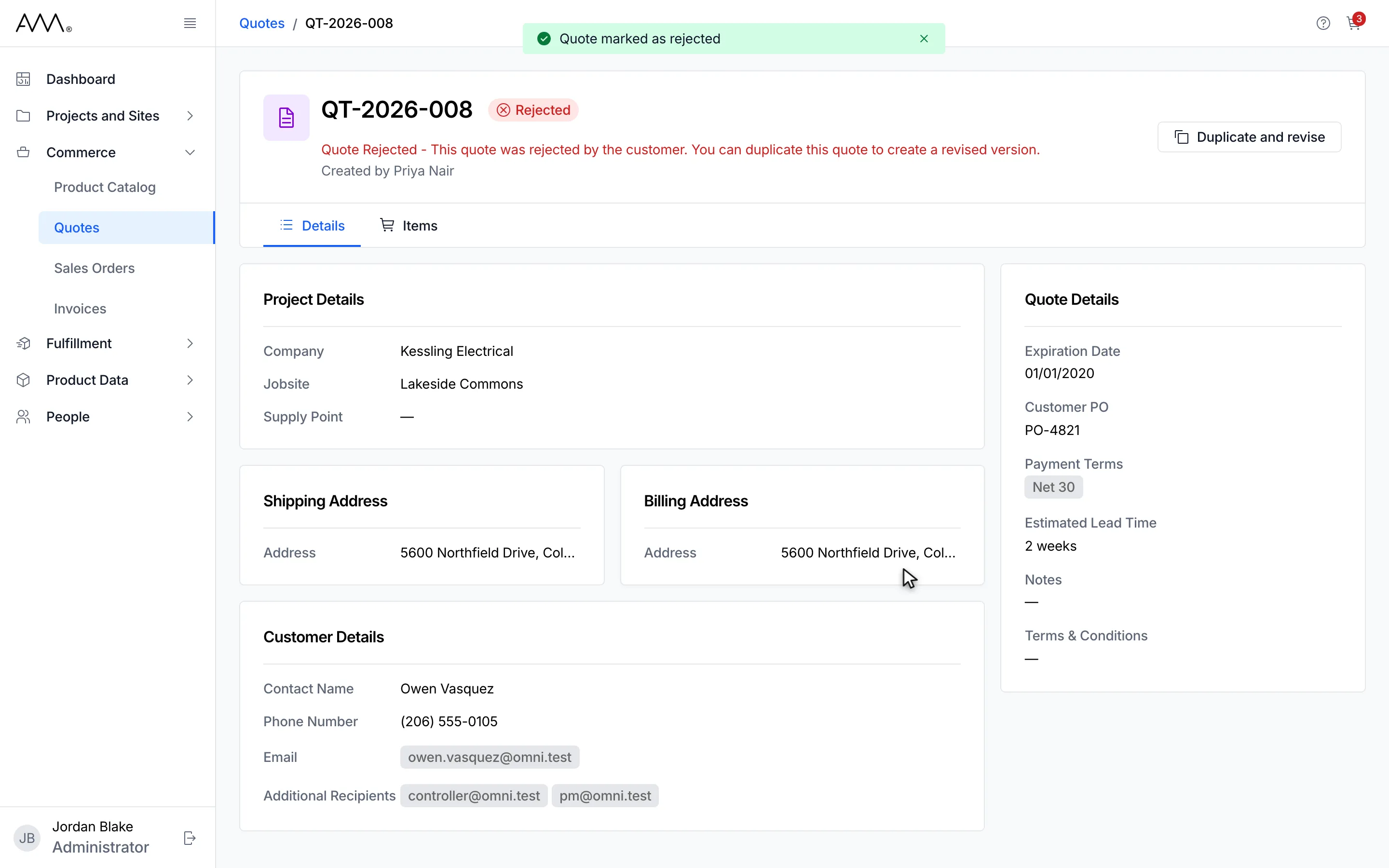
11The rejected quote offers Duplicate and revise.
Watch this as a video (approve or reject a quote)
What happens next
Section titled “What happens next”- An Approved quote is read-only. Its only action is Convert to Sales Order. See Convert a quote to a sales order.
- A Rejected quote shows Quote Rejected - This quote was rejected by the customer. You can duplicate this quote to create a revised version. in the header, with the Duplicate and revise button. See Duplicate or renew a quote.
If the change cannot be saved, the dialog stays open and shows the reason, for example Could not approve the quote. Please try again. or Could not reject the quote. Please try again. A Sent quote whose expiration date has passed cannot be approved; the dialog then reads Expired quotes cannot be approved.